
User Guide
Empatheme® English Ear° Trail
●Learn →●Act →●Review
guides you through practice in 3 steps.
At the beginning and end of each practice unit,
Use “Listen” to check which sounds you caught
—and which ones you missed.
1. Practice in 3 steps
Repeat “Learn → Act → Review”.
Your English Ear° will grow, and you will begin to catch more sounds.
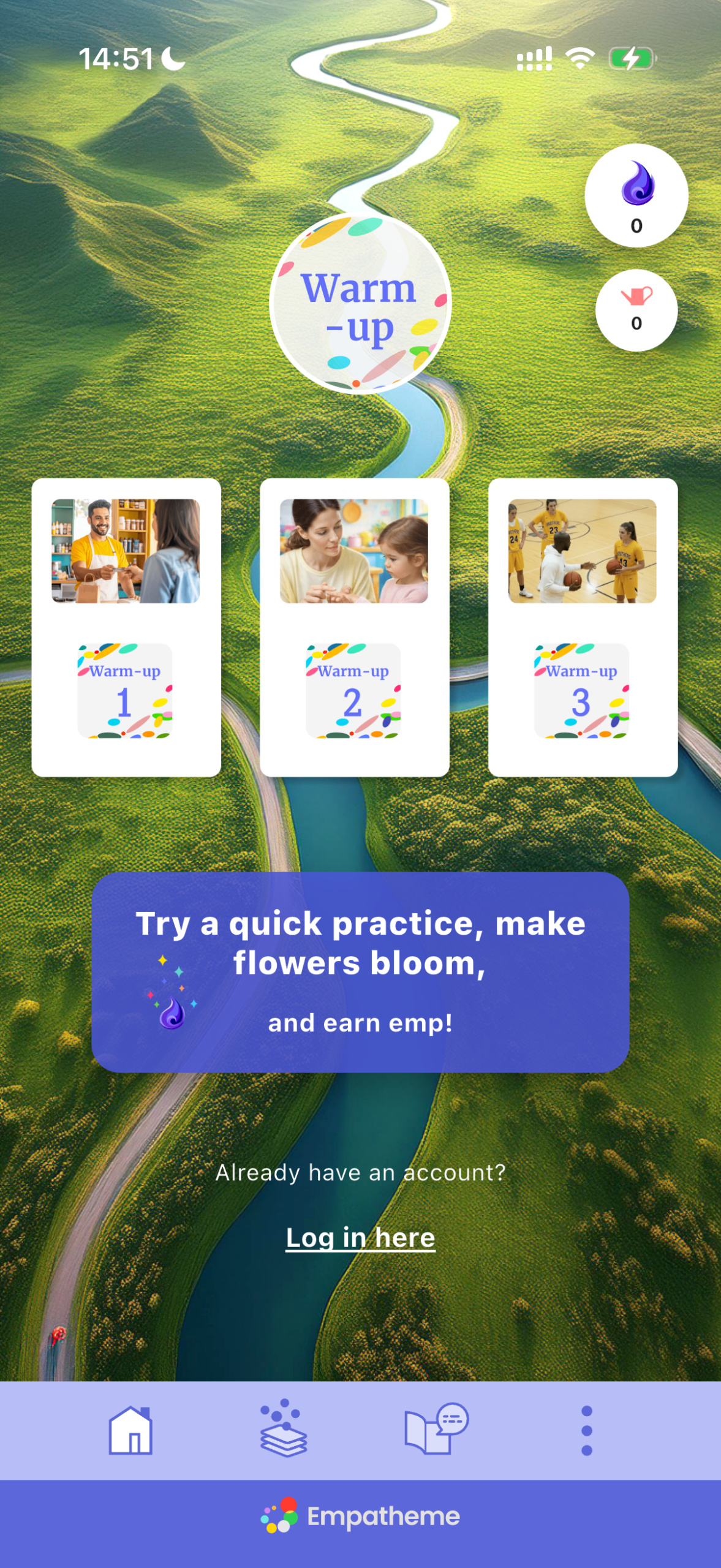
Start with “Warm-up 01”
and experience the flow for yourself.
 Learn
Learn
❶ Tap the card icon
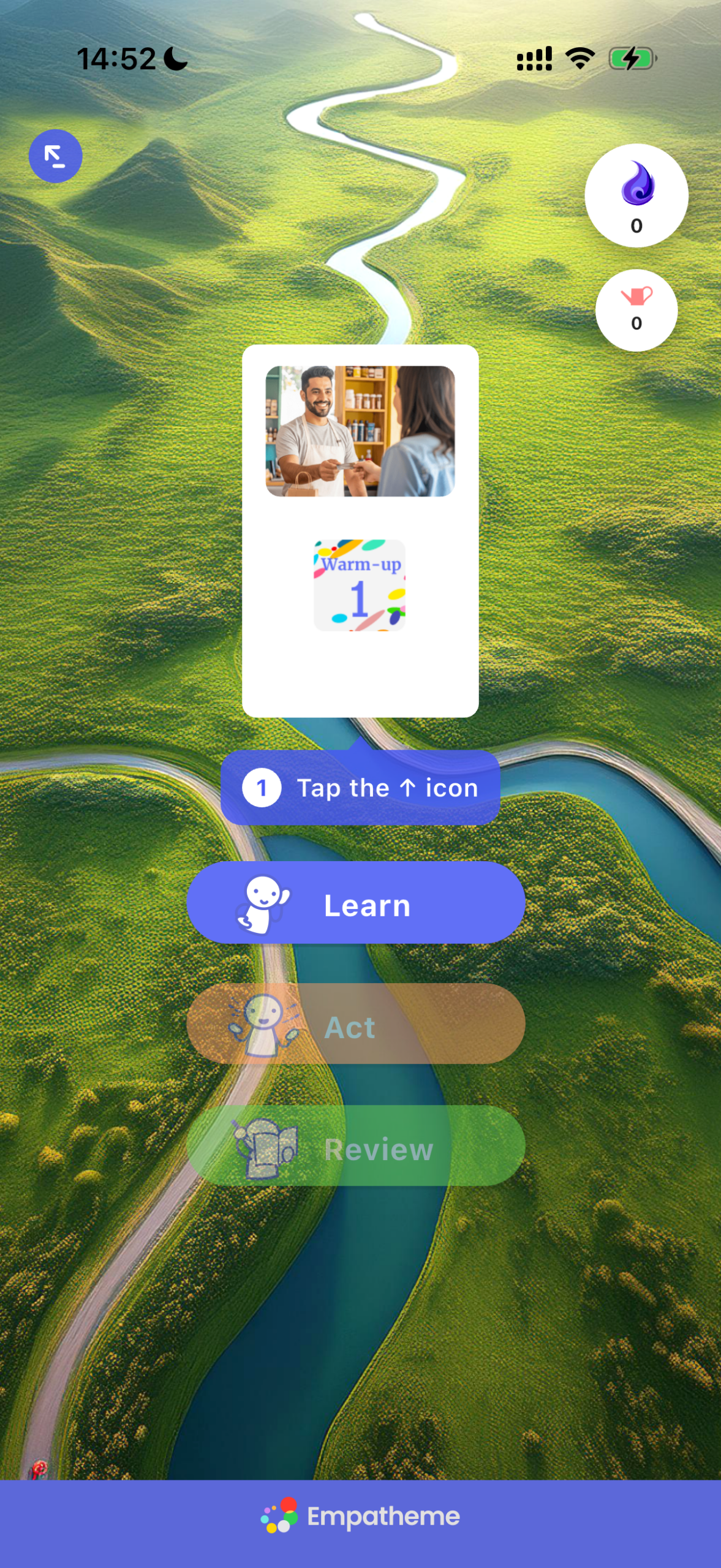
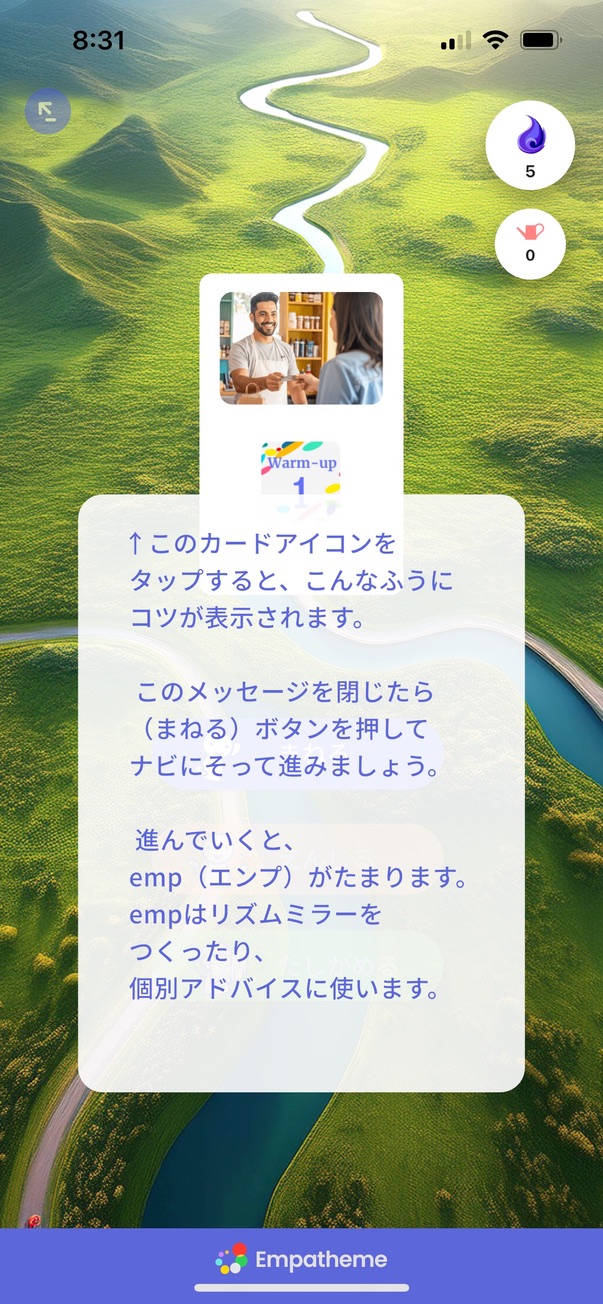
Tap outside the card to close this message, then tap Learn to continue.
❷ Tap to listen, then mimic
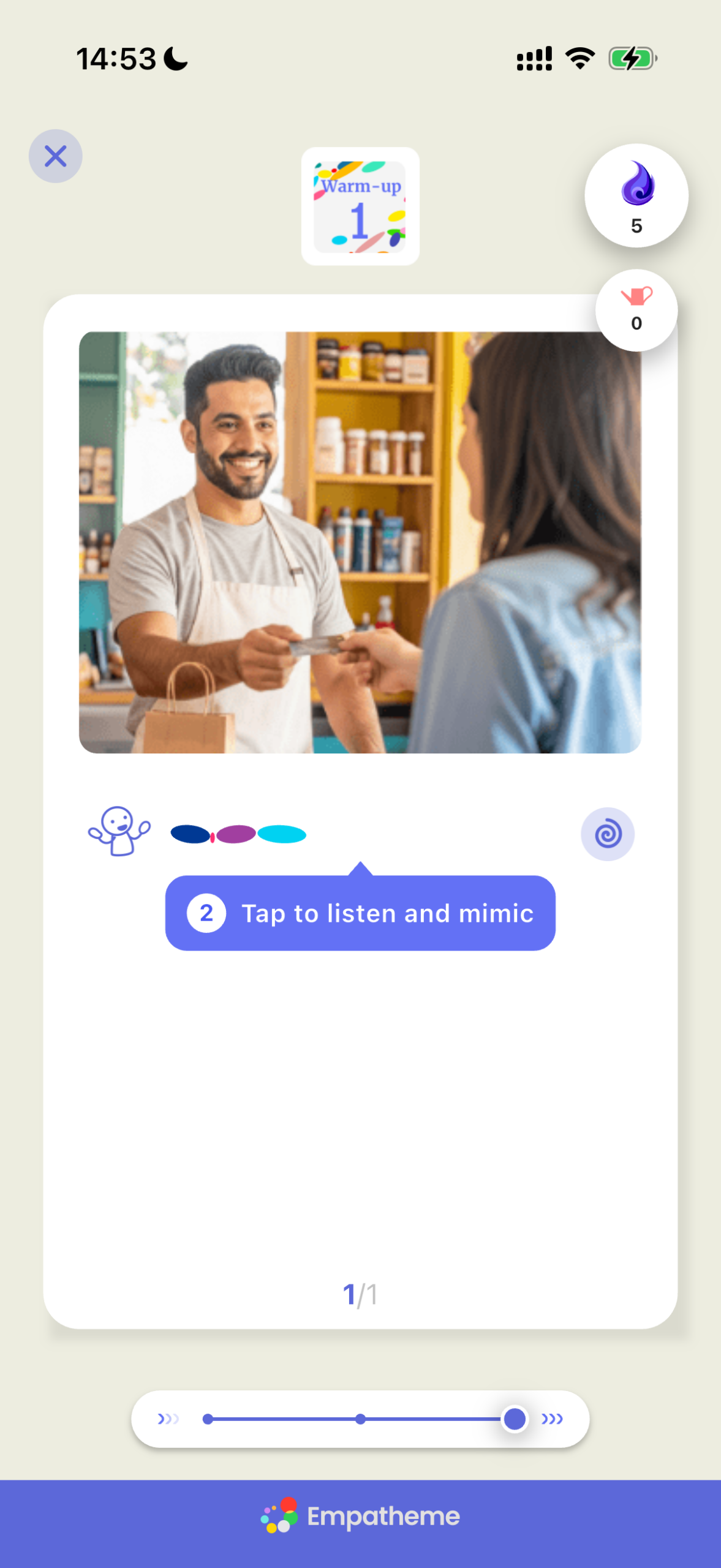
Tap the Rhythm Mirror—the pattern of colored dots.
To hear the model voice.
❸ Slow down the model
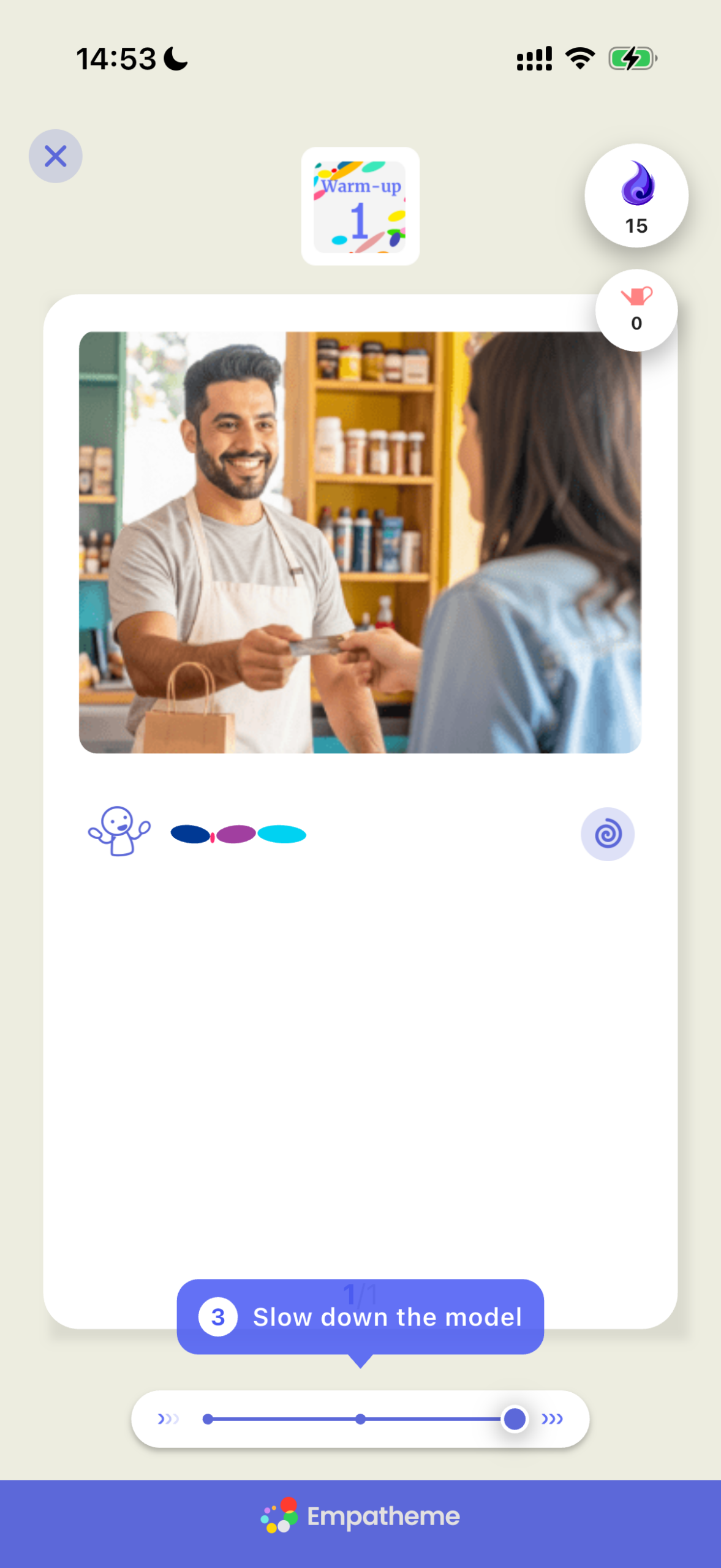
You can hear the model voice at 3speeds: slow, slightly slow, and natural.
Start slowly and replicate it carefully.
❹ Swipe sideways to show the meaning
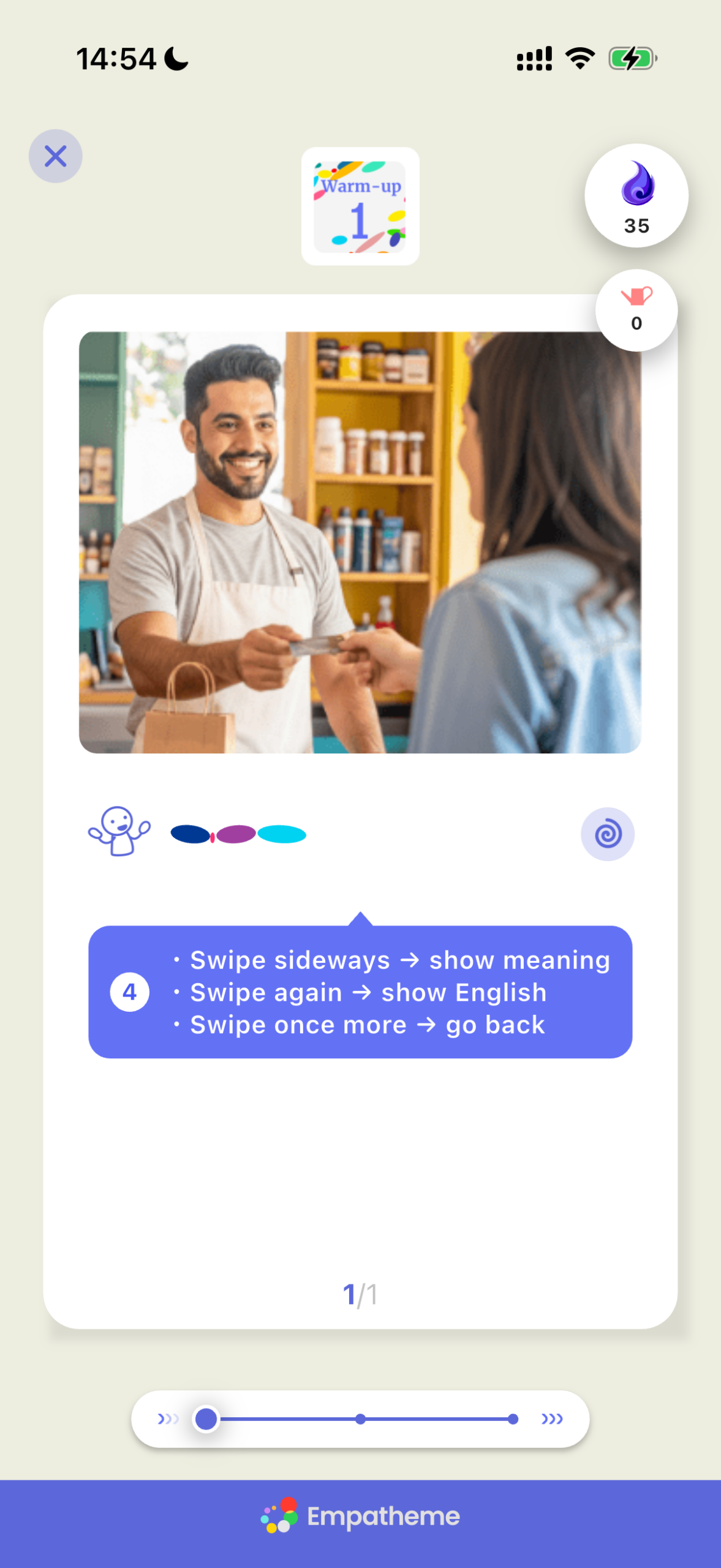
Swipe right once for the Japanese meaning, and again for the English text. Swipe once more to return to the Rhythm Mirror.
❺ Return to normal speed, switch to Mirror Mode, and create your Rhythm Mirror
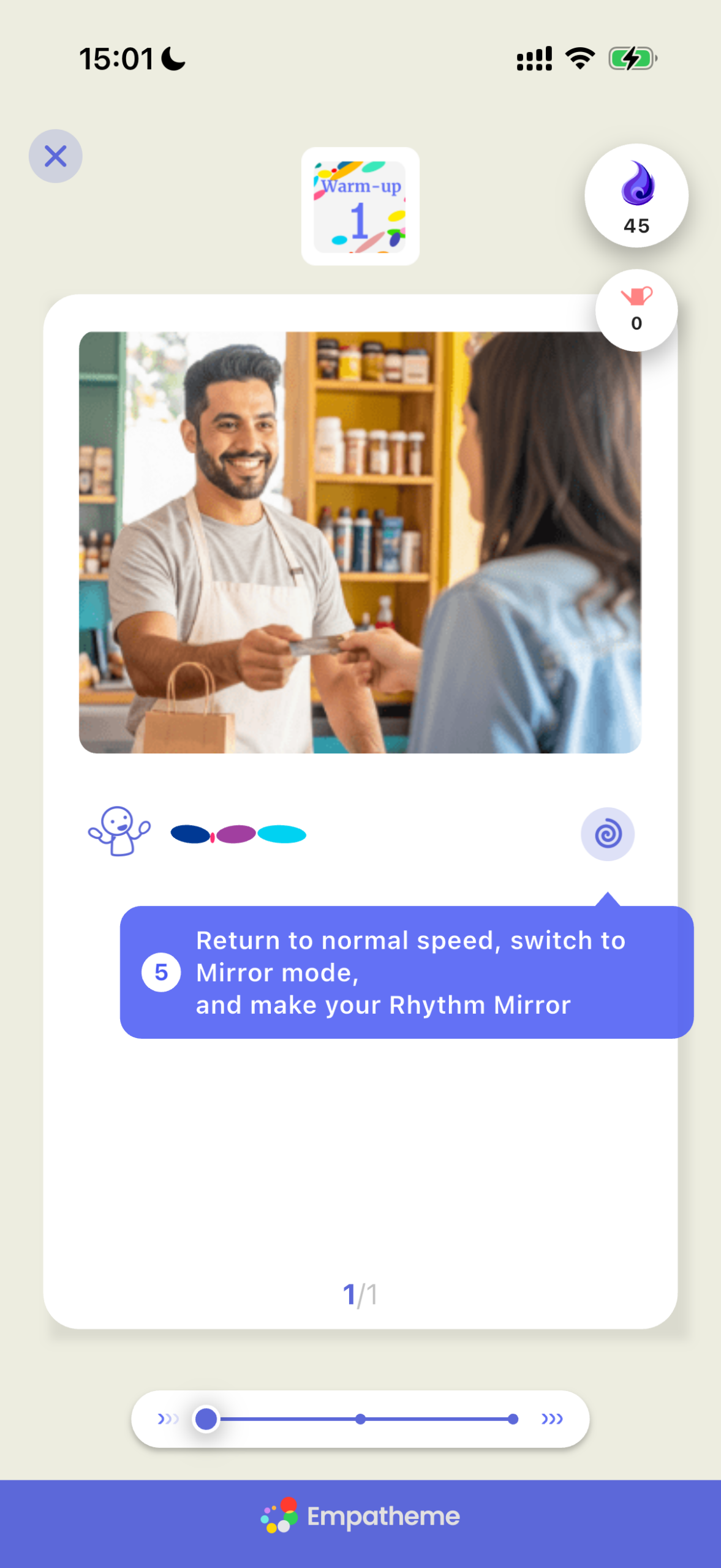
Once you can replicate the model smoothly, tap the 🌀 button to switch to Mirror Mode.
❻ Try it with your own voice (uses 5 emp)
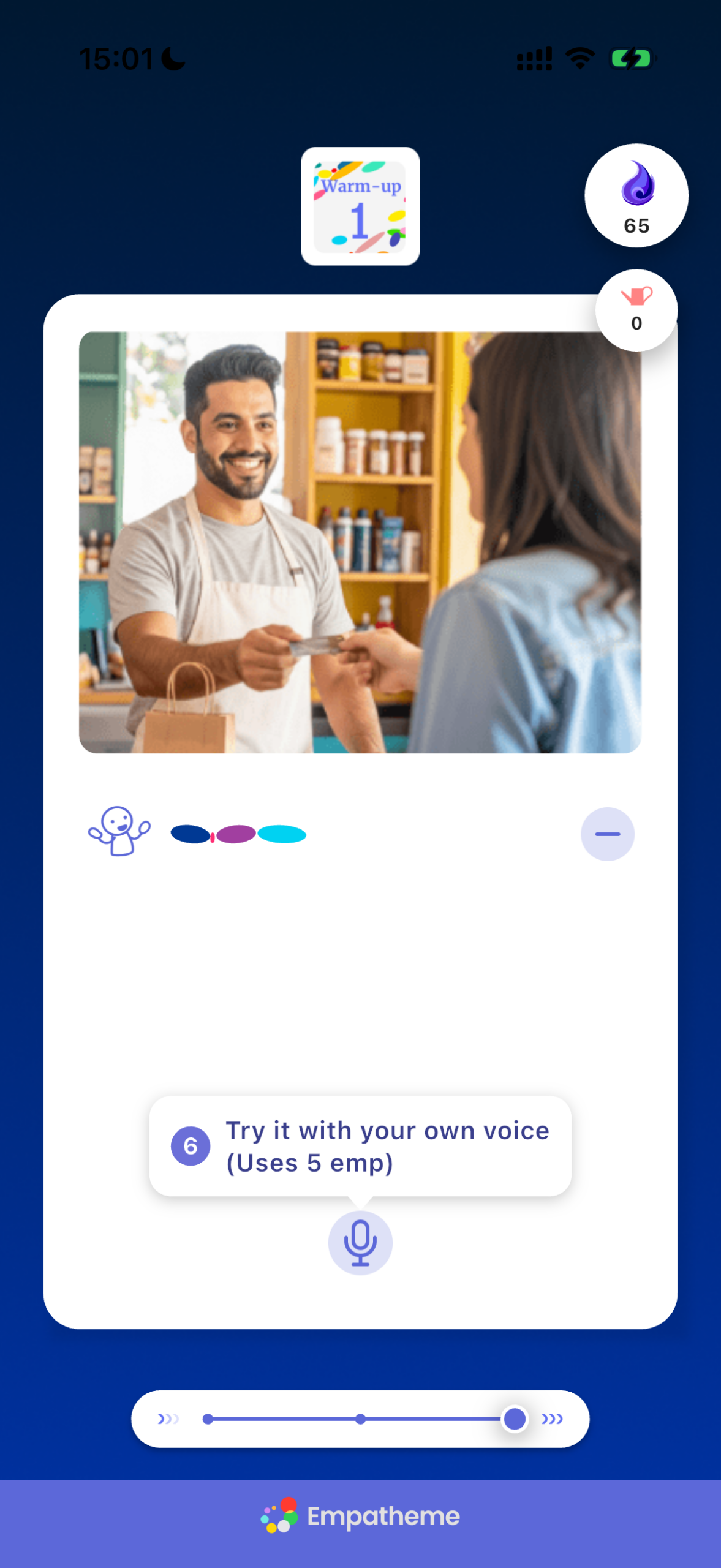
In Mirror Mode, use the microphone button to record and analyze your voice and create your own Rhythm Mirror®.
Tap the microphone and reproduce the line in your own voice. Each recording uses 5 emp.*

※What is emp?
emp is the energy for practice. Exchange it for a Watering Pot and water your Seed to receive advice. The more you practice, the more emp you earn.
Learn more about emp here。
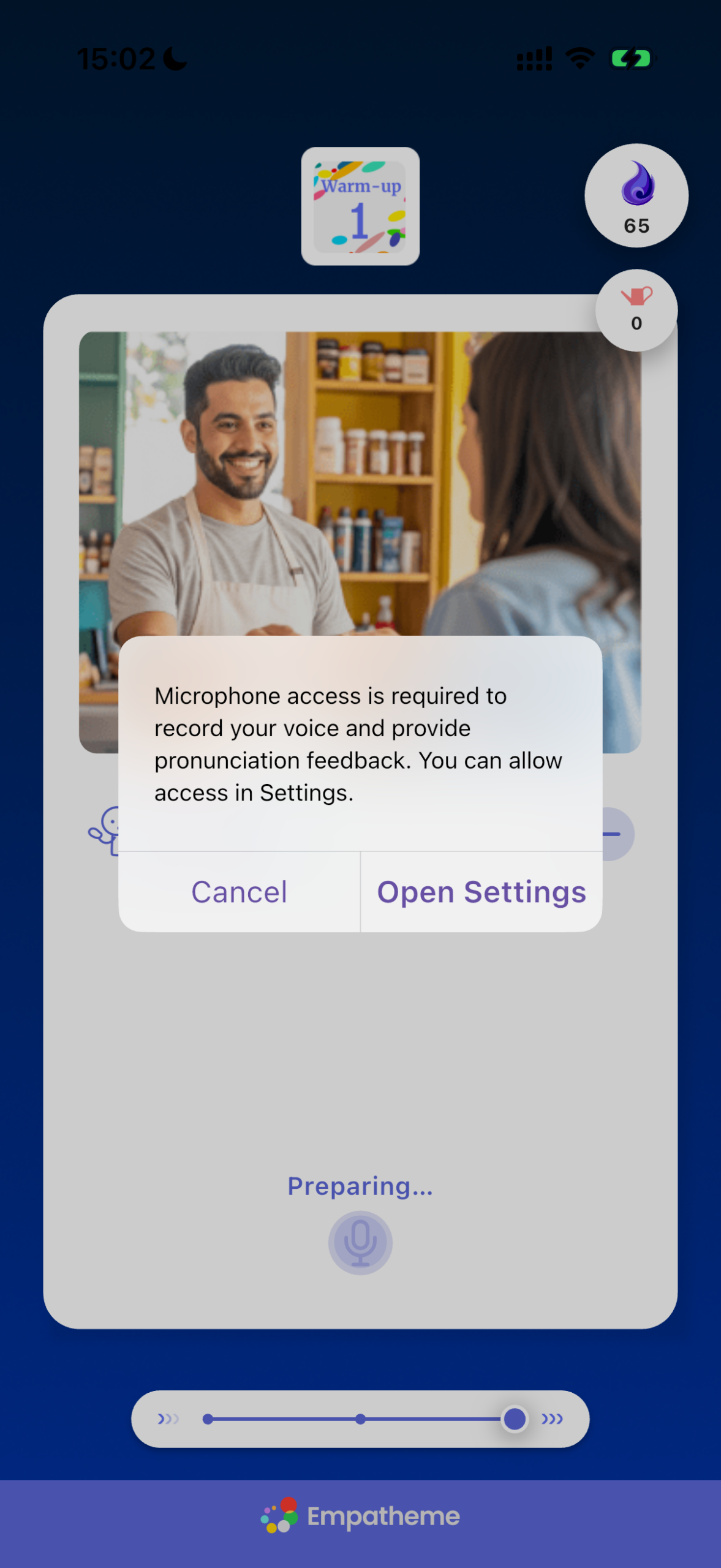
Microphone access is required to record your voice and provide pronunciation feedback.
Allow access in Settings.
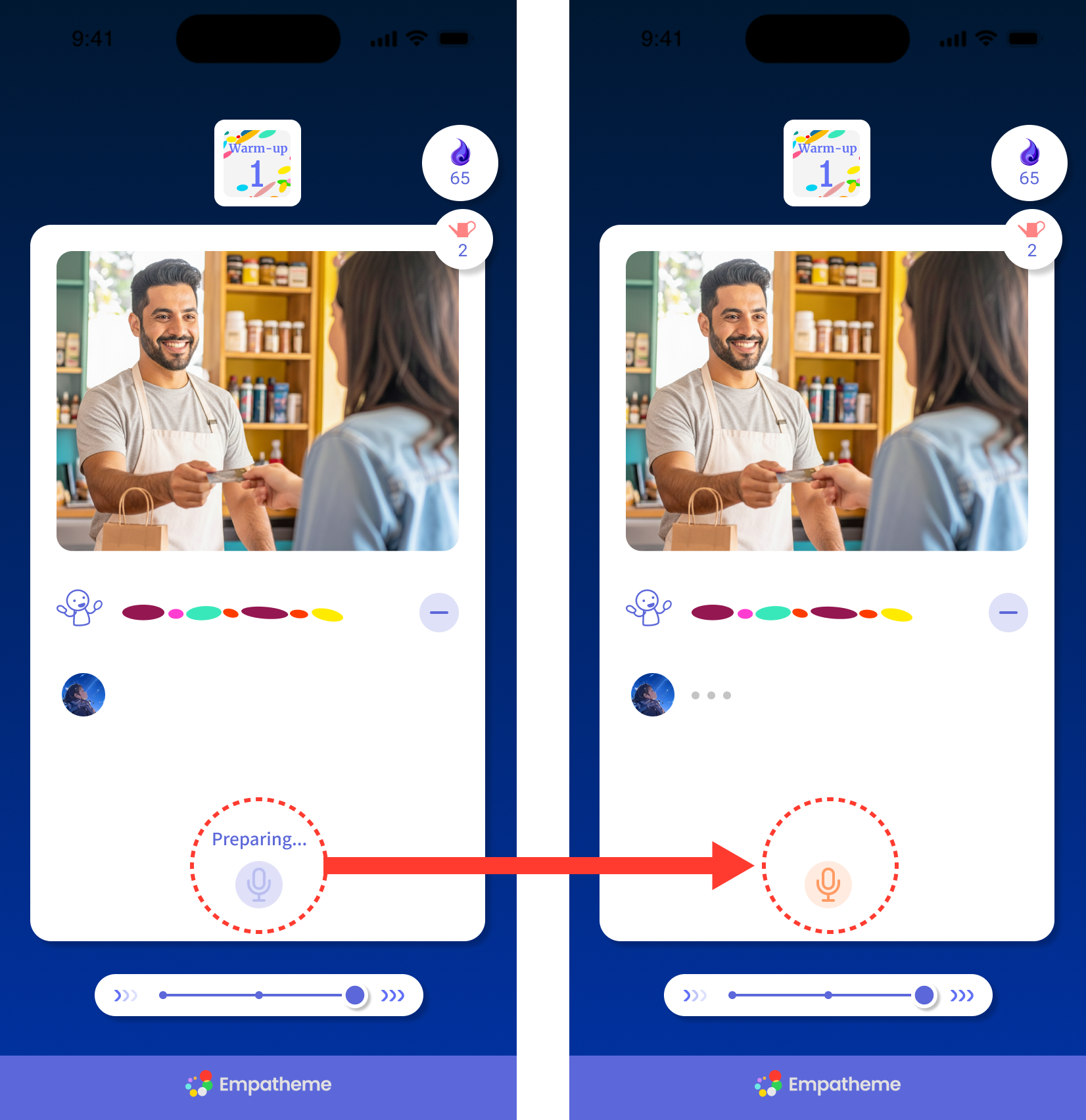
Tap the microphone. When “Preparing” changes to an orange button, say the line aloud.
❼ Listen to your voice
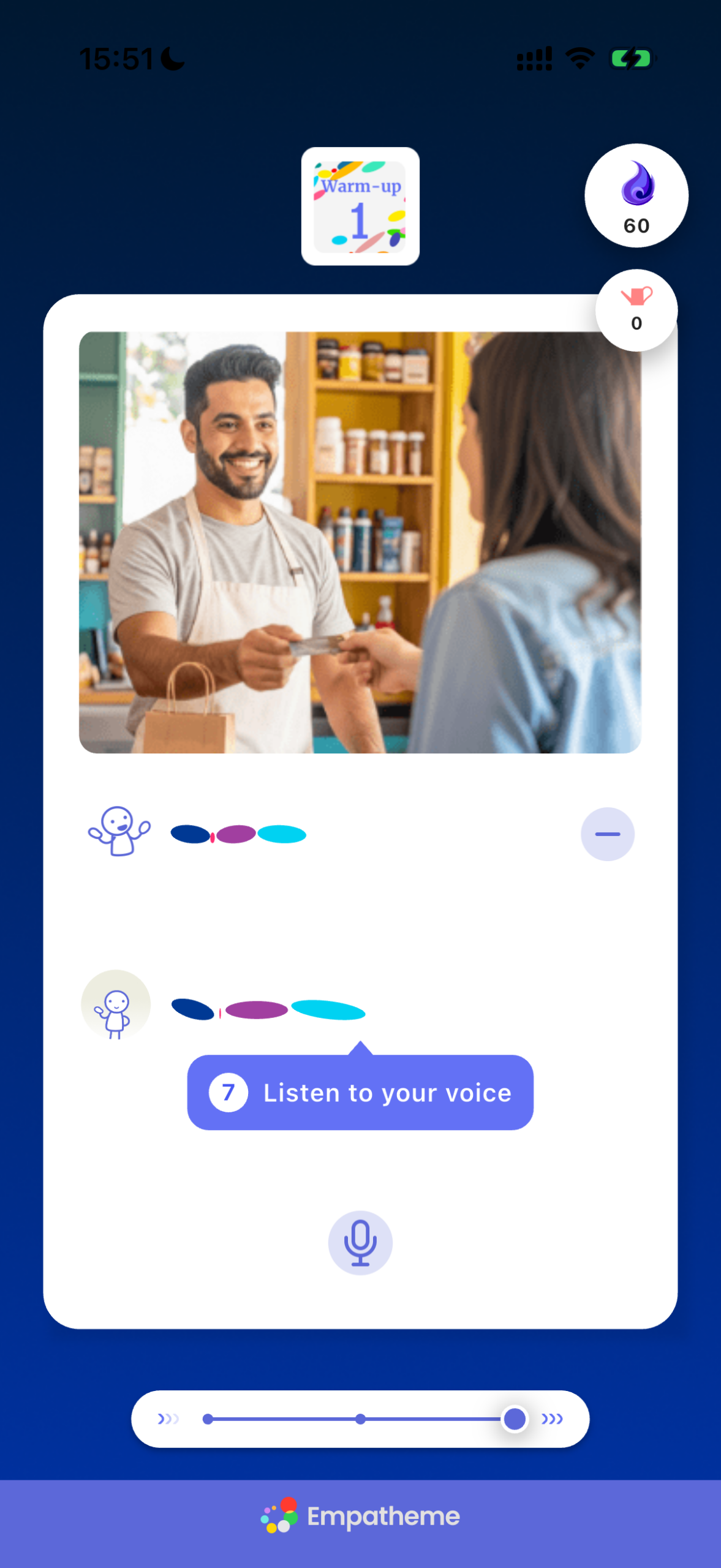
After you finish the line, wait a moment for your Rhythm Mirror to appear.
Tap it to hear your voice.
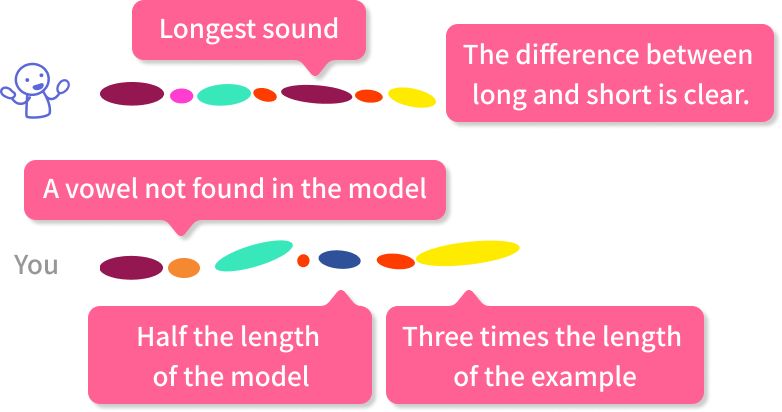
Compare the model with your own voice—both visually and by listening. Notice how the patterns differ. Closing that gap is the shortest path to developing your English Ear°.
❽ Go back
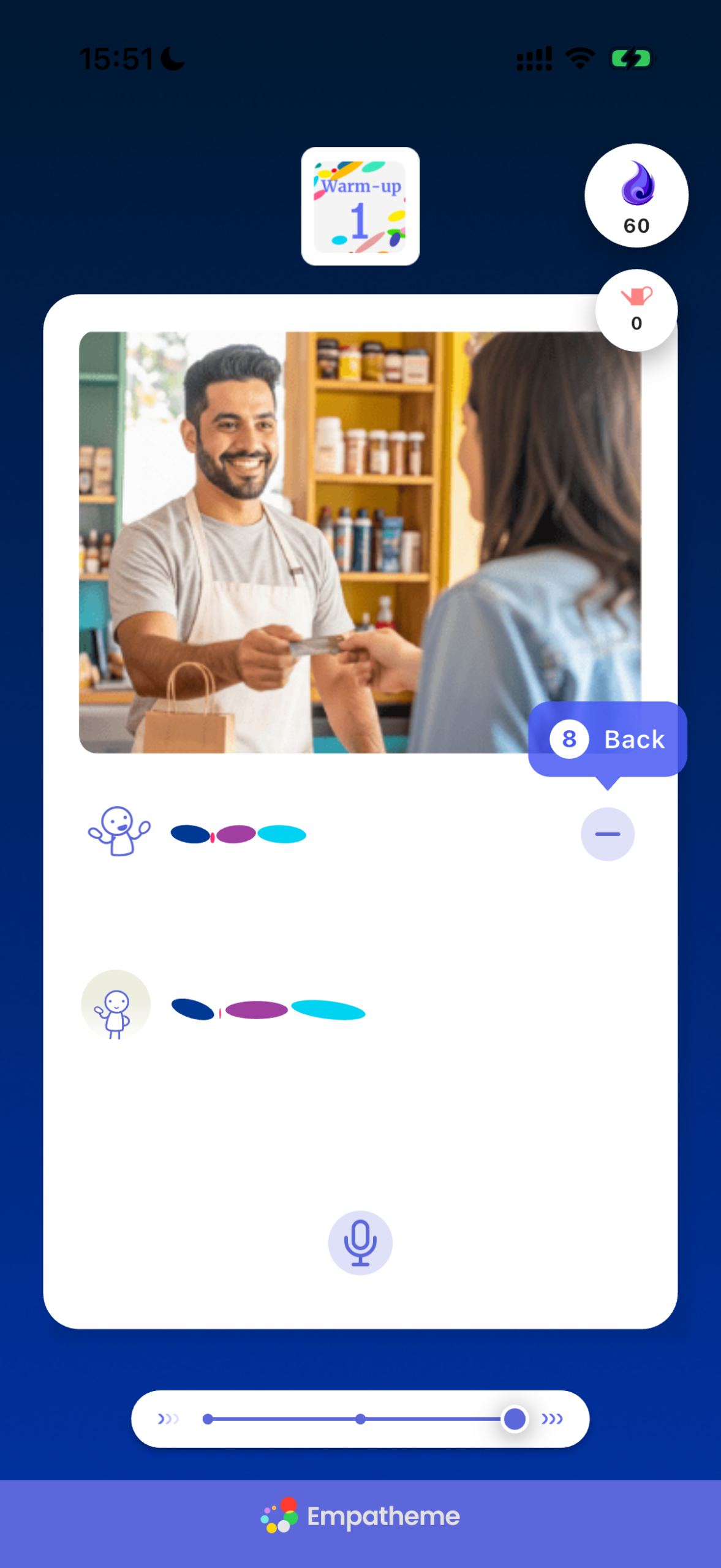
When you finish replicating, tap the − button to return to the previous screen.
❾ Swipe down ↓Next
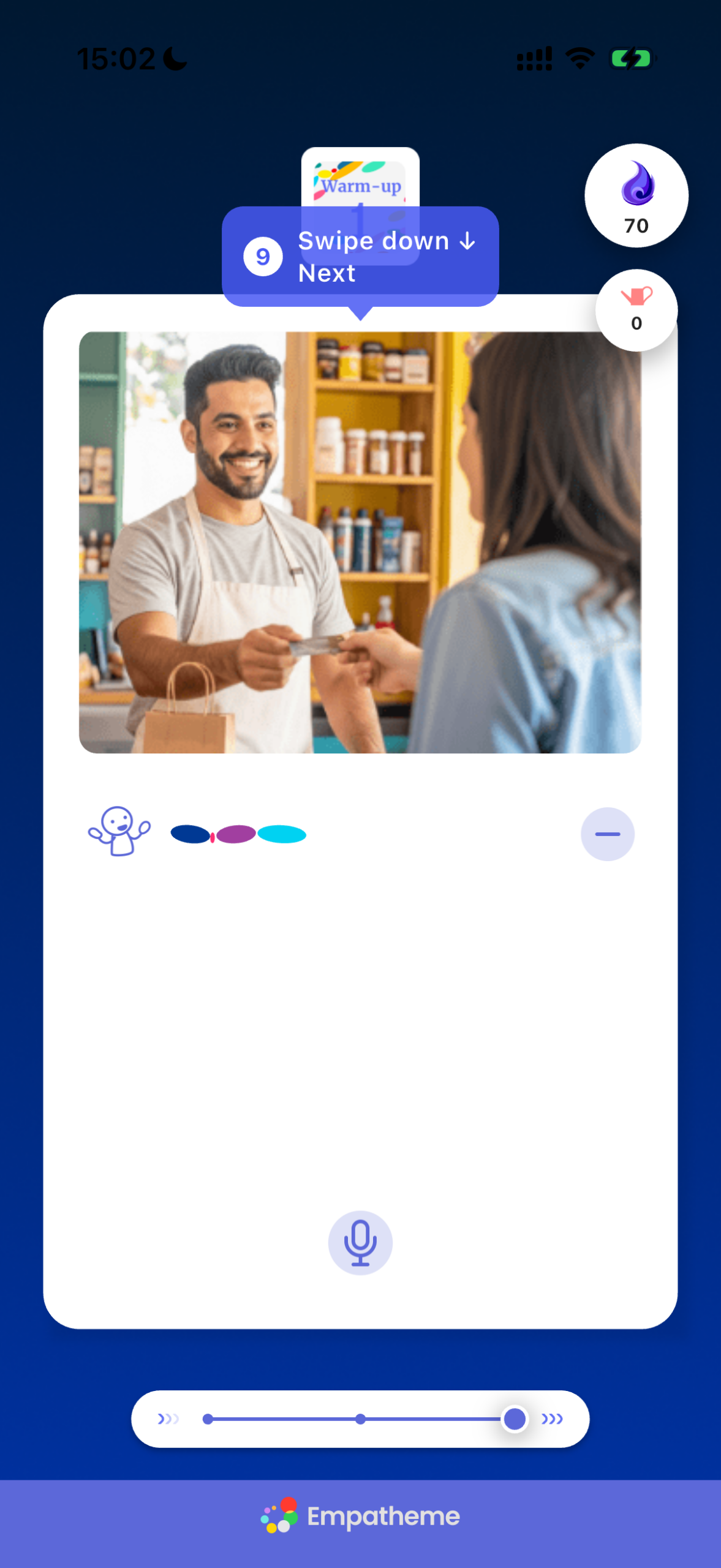
When you finish practicing, swipe down to continue.
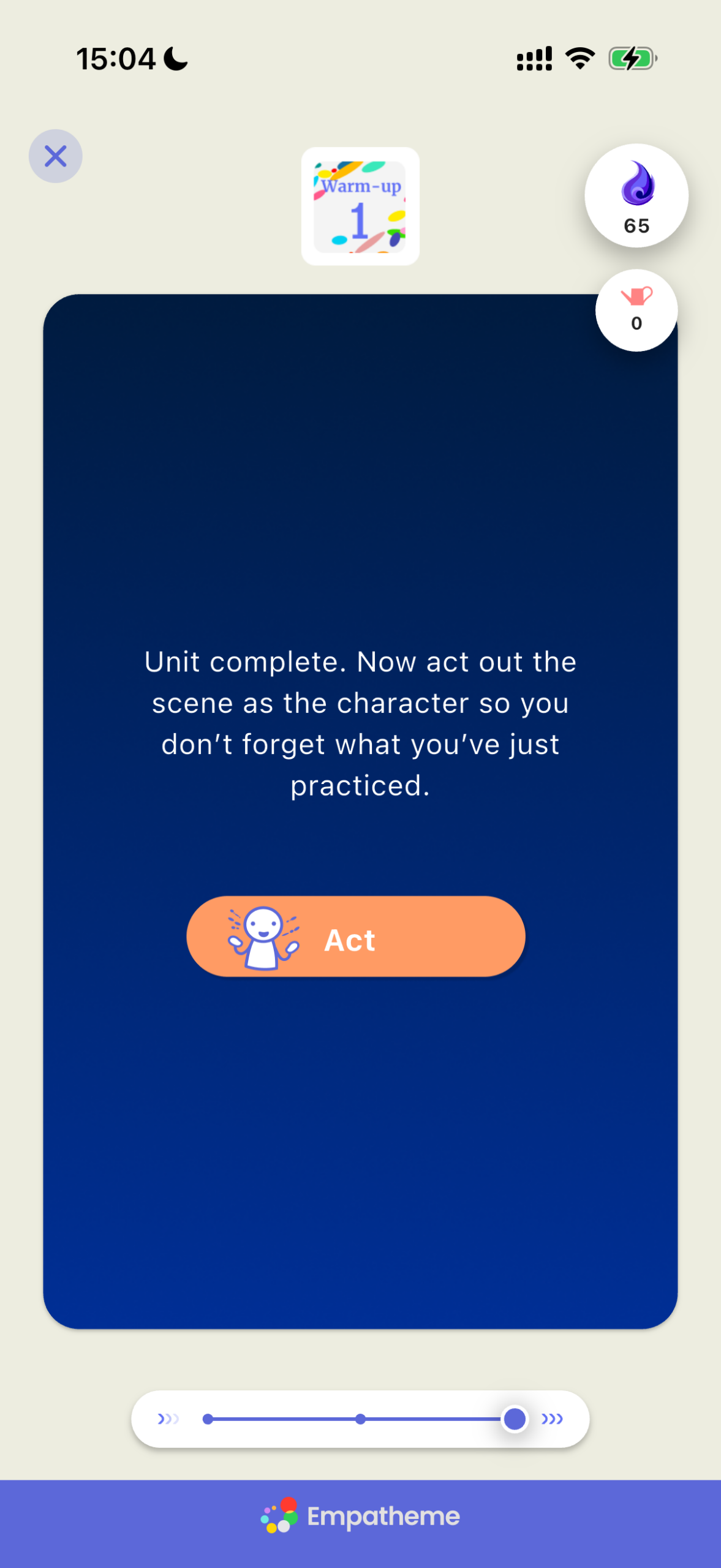
Learn is now complete. Move straight on to Act while the sounds are still fresh in your mind.
 Act
Act
❶ Slowly trace the circle
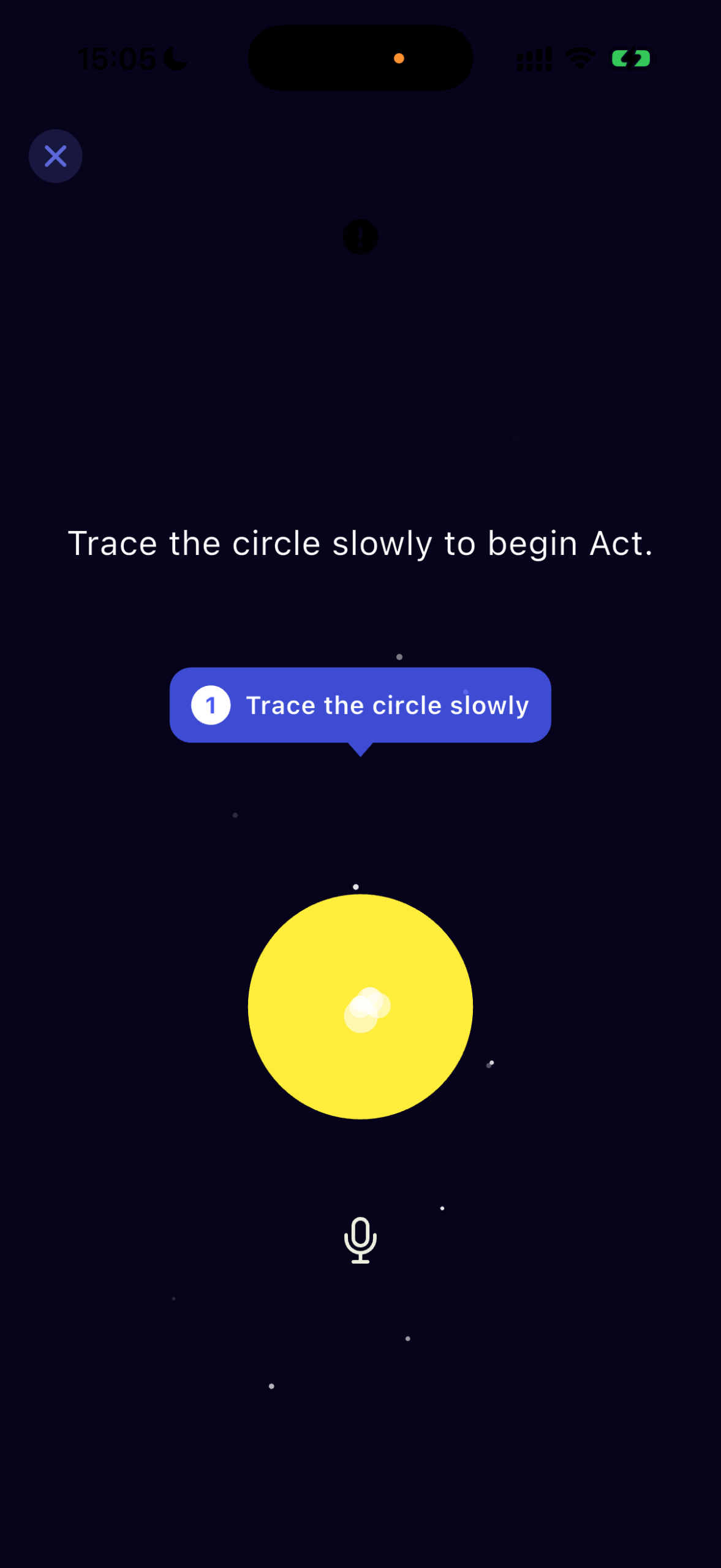
Relax and trace the yellow circle with your finger to begin.
❷ The text fades when you start speaking
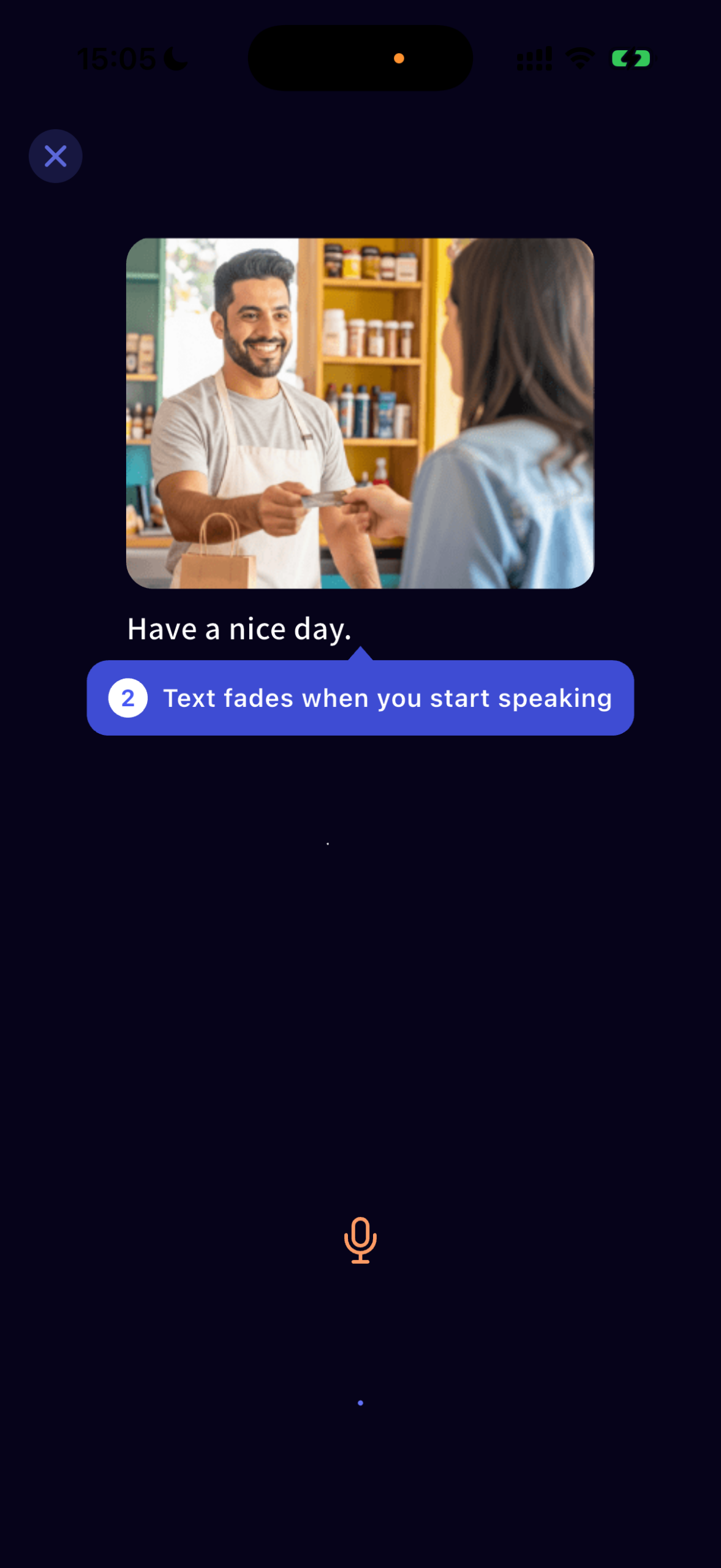
Recall the sound and rhythm you practiced in Learn, then say the displayed line aloud.
Picture the scene and perform the line. The text disappears when you begin speaking.
❸ Trace the circle slowly
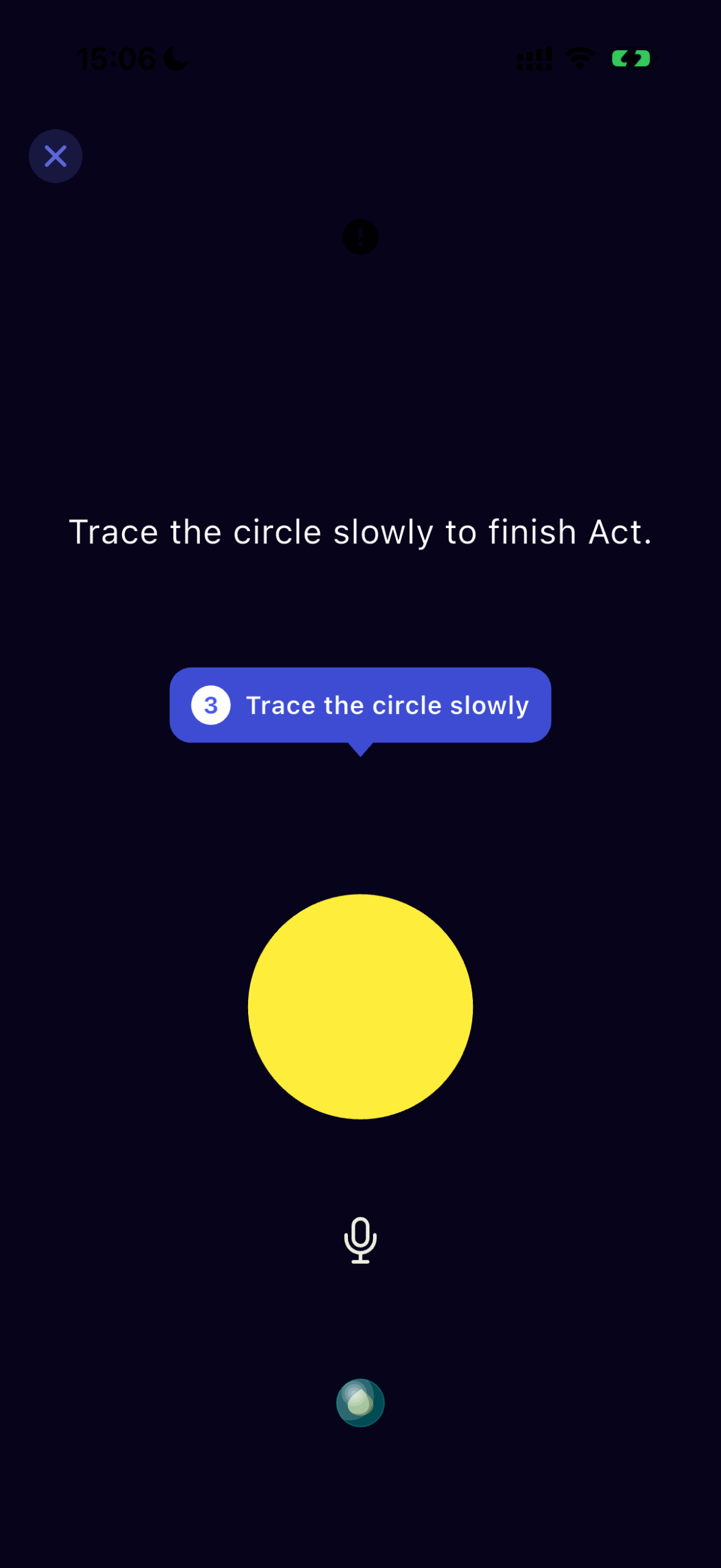
After saying the line, wait quietly for the yellow circle to appear. Trace it slowly to complete Act.

Continue directly to Review.
 Review
When the Review screen appears, swipe right
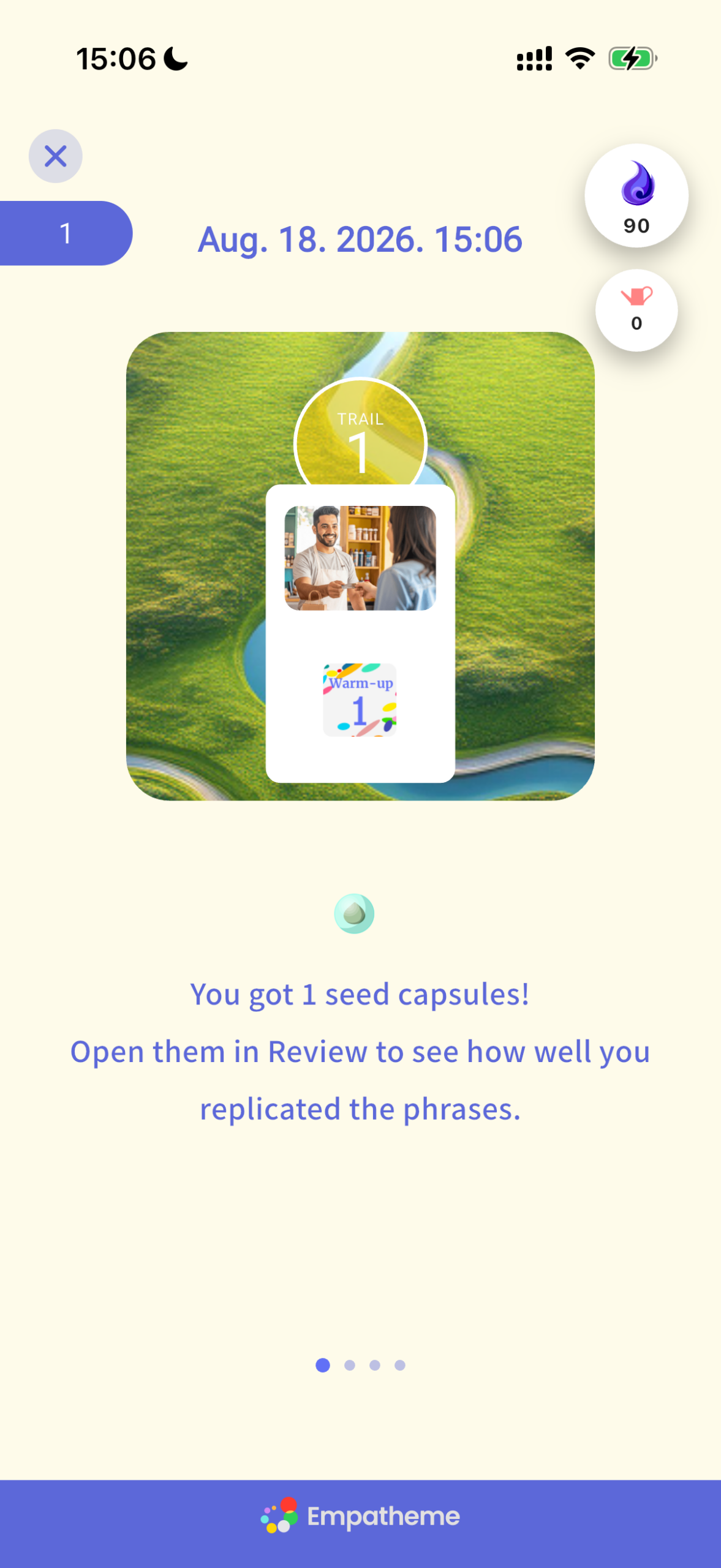
When the Review screen appears, swipe right.
Listen to your performance and compare it with the model.
❶Tap to compare
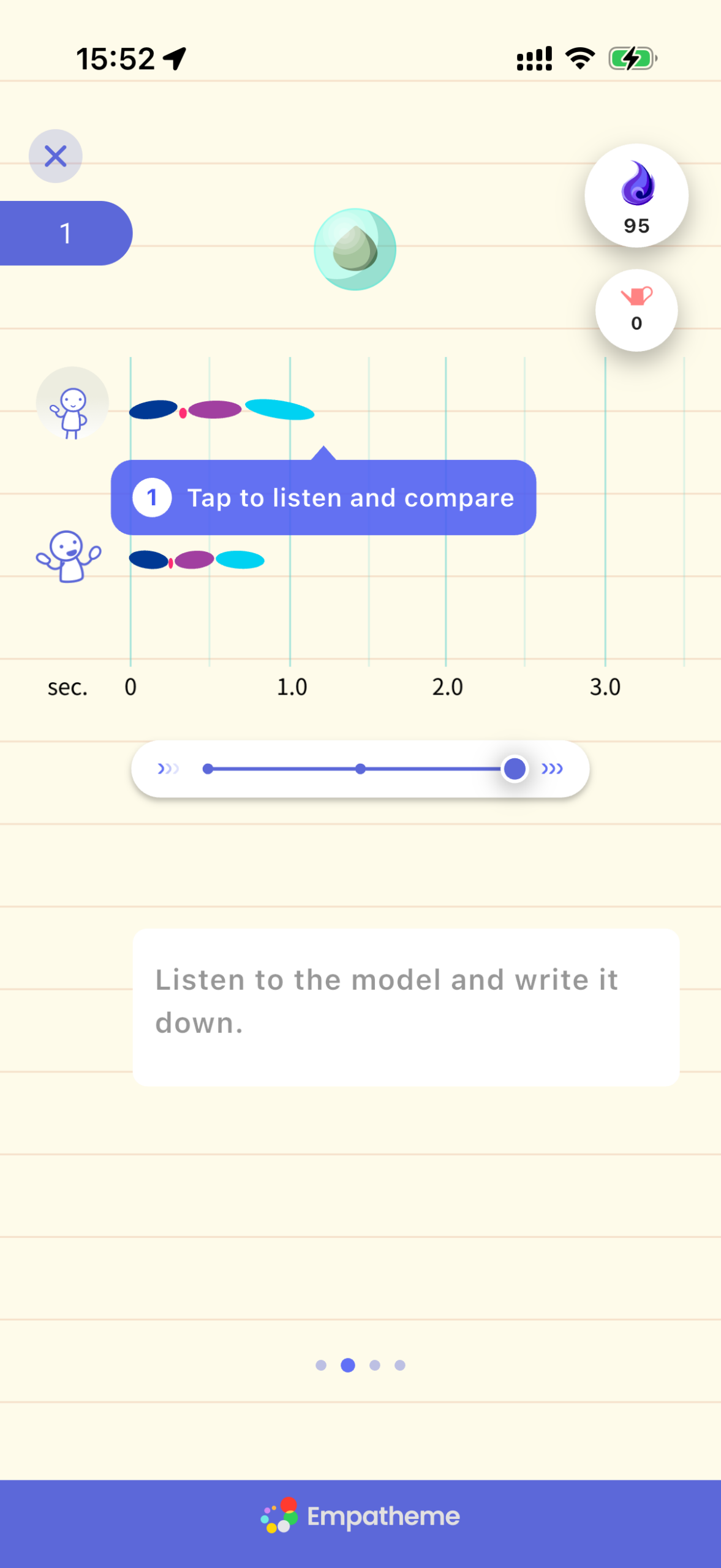
Compare the Rhythm Mirror from your performance with the model Rhythm Mirror.
Tap to compare the voices. Slow the playback slightly to check sounds that were difficult to hear.
❷Write what you hear
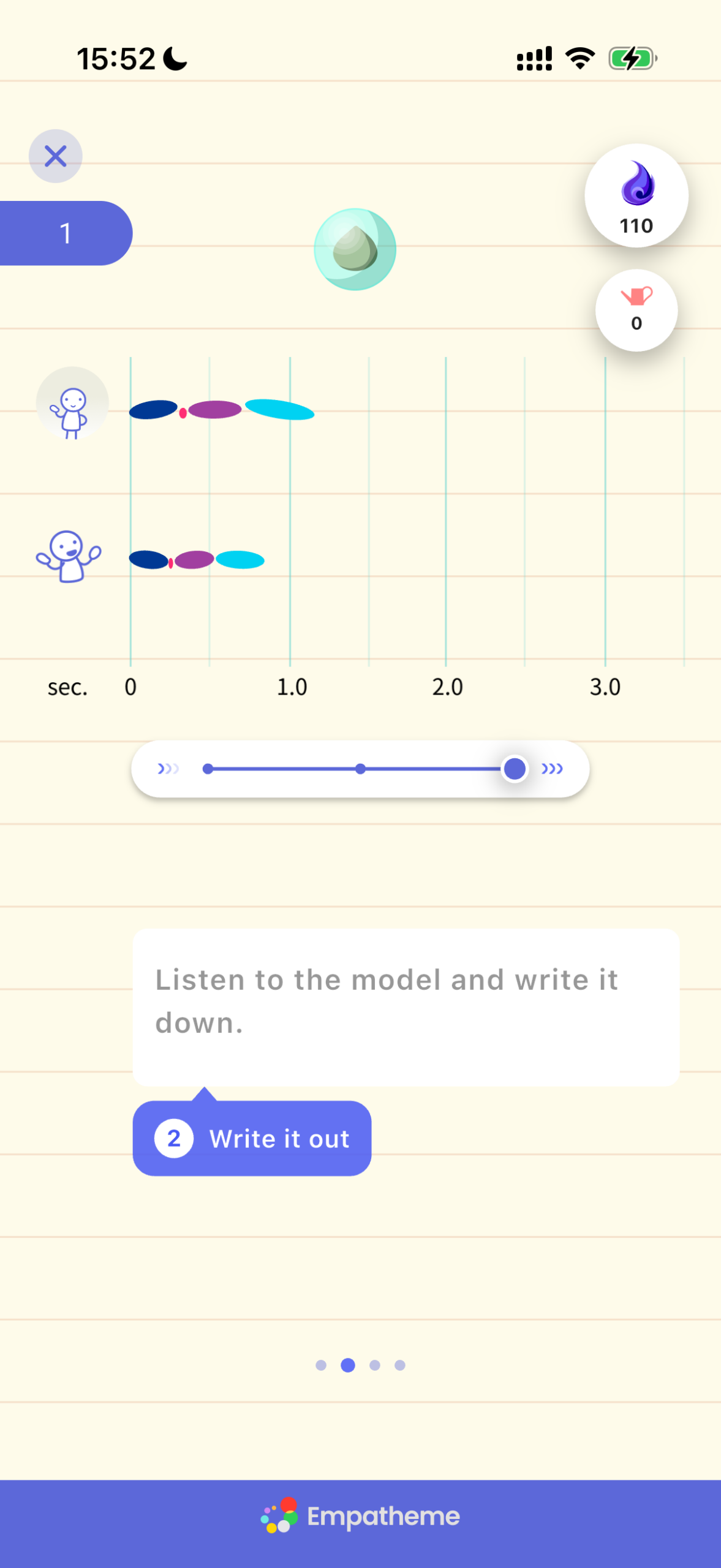
Transcribe the line in the gray box. Voice input is convenient; if it is unavailable, enable it in your smartphone settings. If you still have trouble, see “FAQ.”
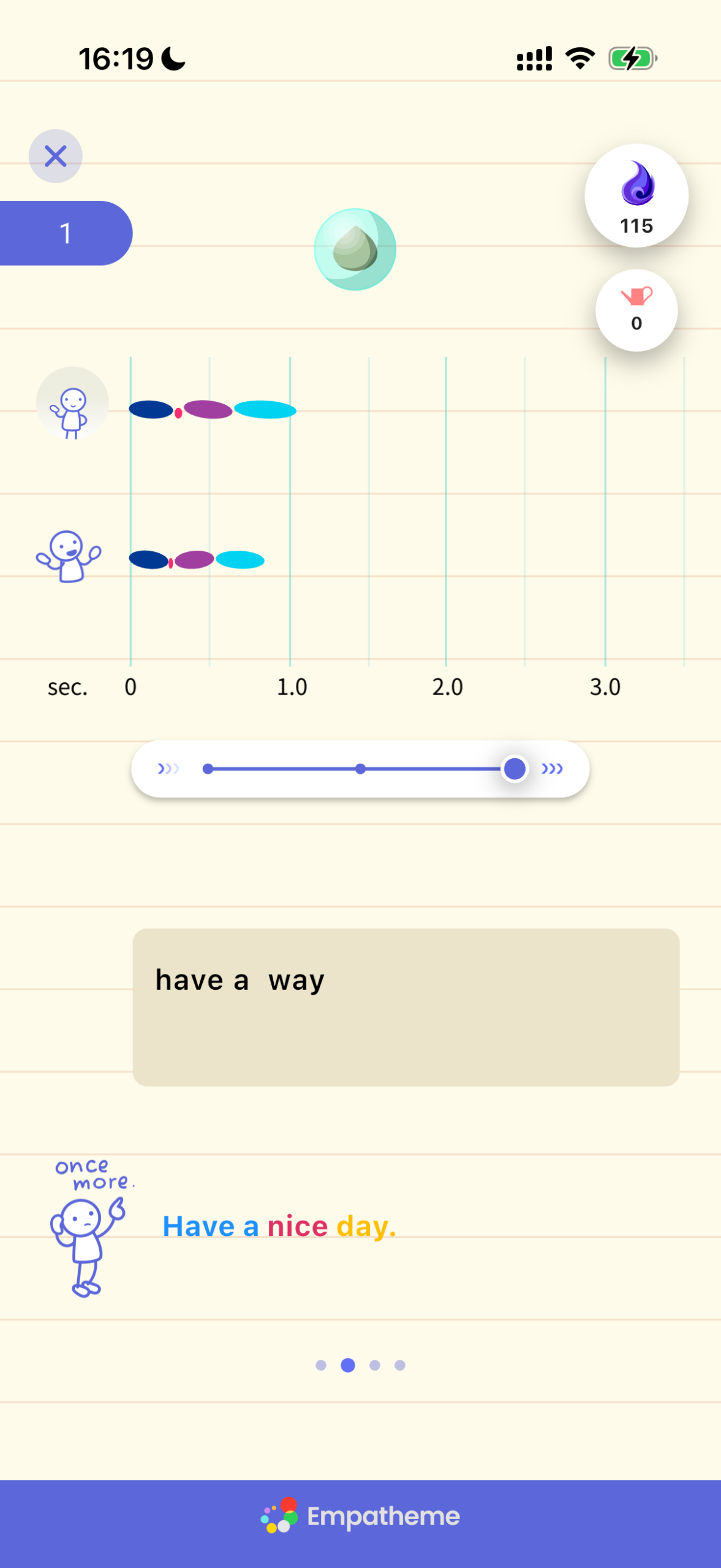
Parts that differ from the model appear in red. Listen again and revise your transcription.
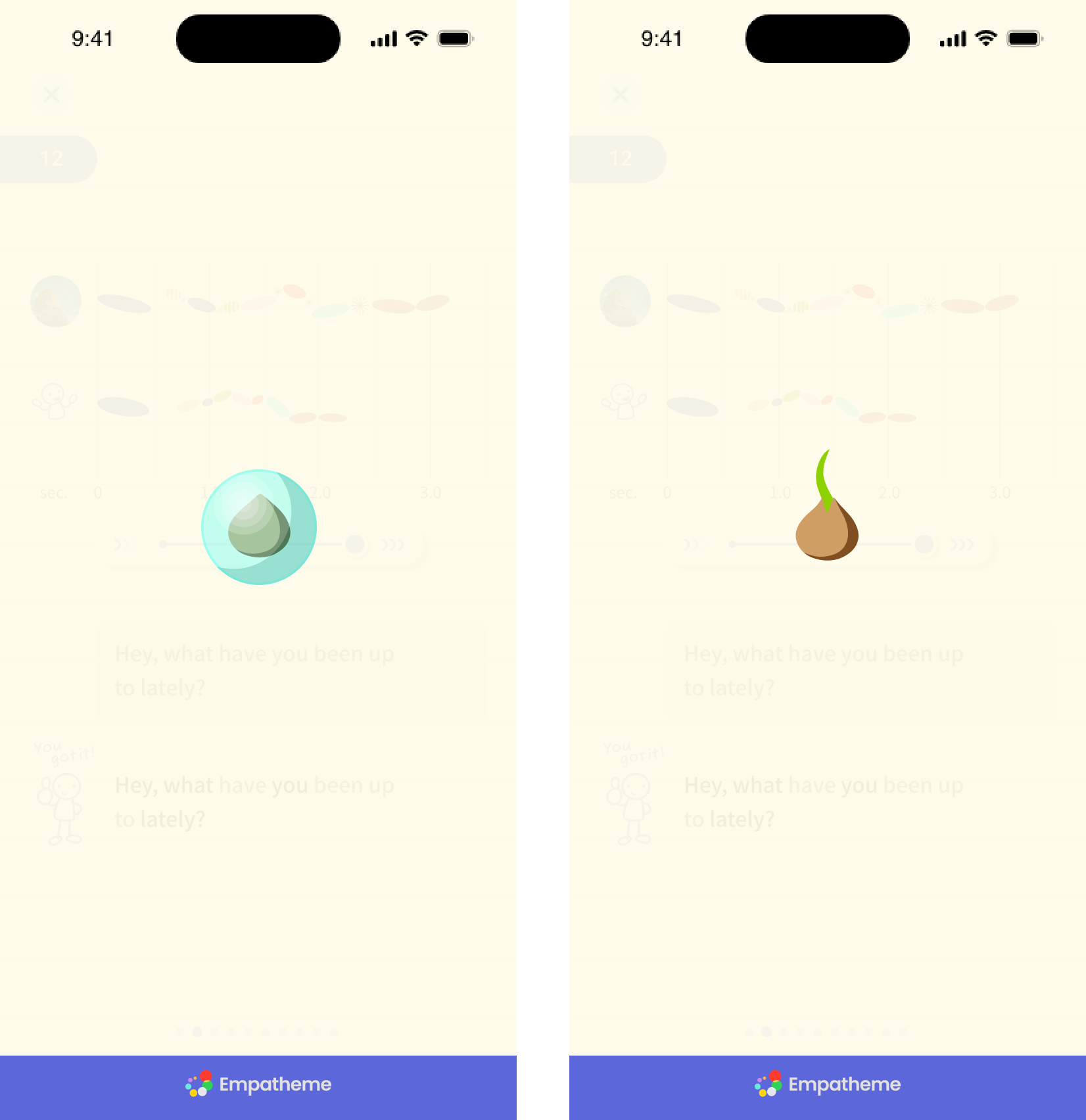
When you finish, the capsule opens and a Seed appears.
As your replication improves, the Seed grows—from a seed to a sprout, leaves, a flower, and fruit.
To learn about replication levels, see “FAQ.”
❸ Choose an icon to self-check. Then note what you noticed
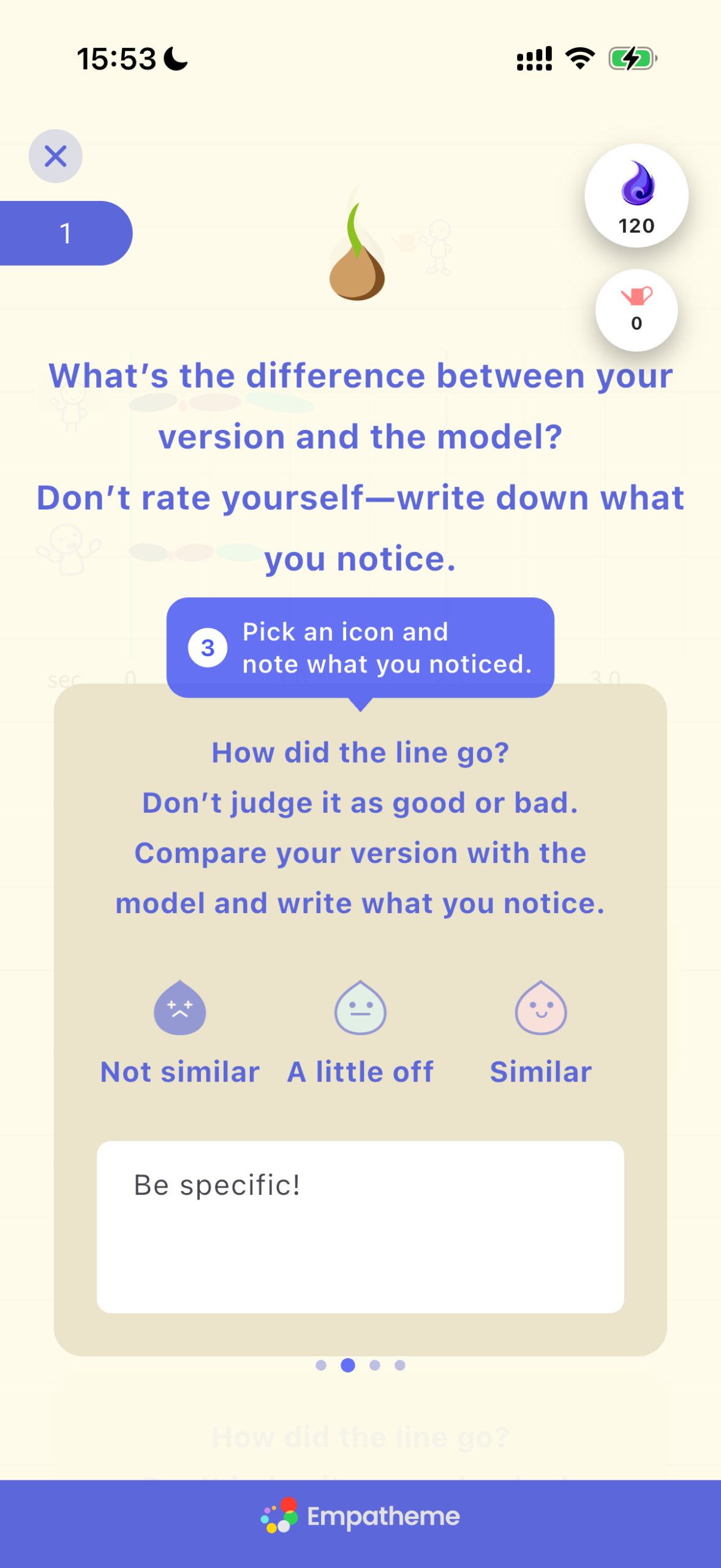
Choose one: “Not similar,” “A little off,” or “Similar.” Then note what you noticed.
❹ Tap Empa! Water it to get advice.
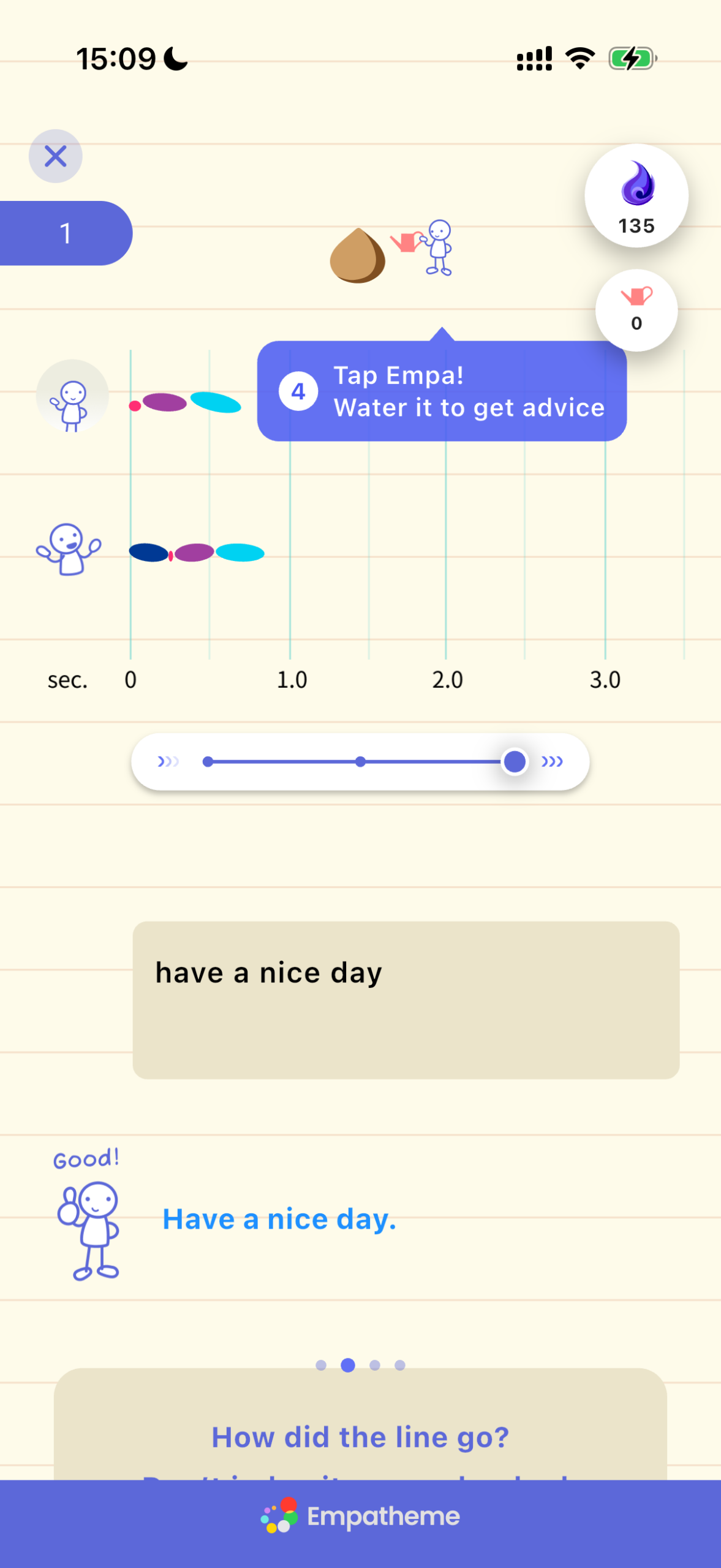
Tap Empa and water it to get advice.
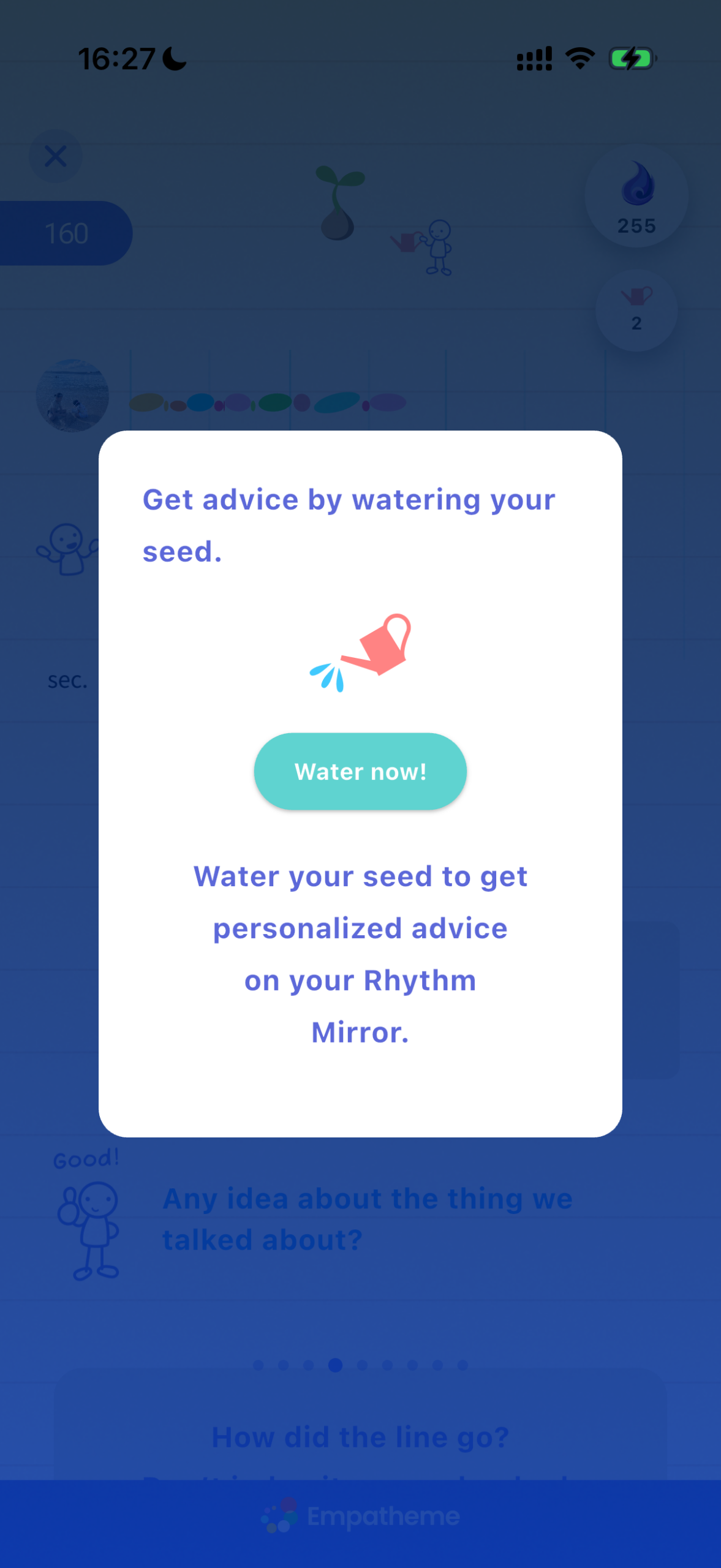
Watering your Seed sends your Rhythm Mirror to a tutor, who reviews it and sends advice. Your first two Watering Pots are free. One Pot is used each time you receive advice. For details, see “Watering Pots.”
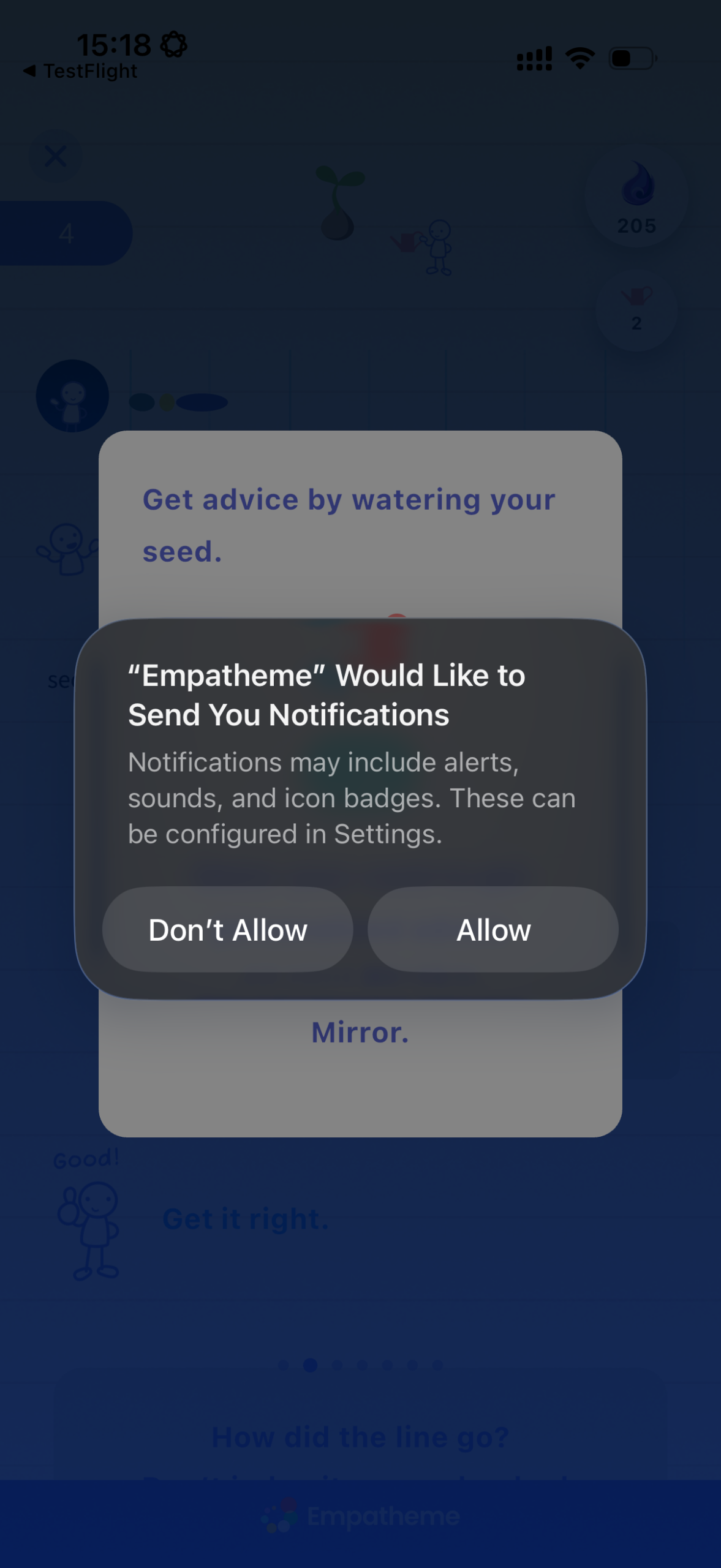
A tutor reviews your Rhythm Mirror and Context Mirror before sending advice, so delivery may take a little time.
Turn on notifications so you know when it arrives.
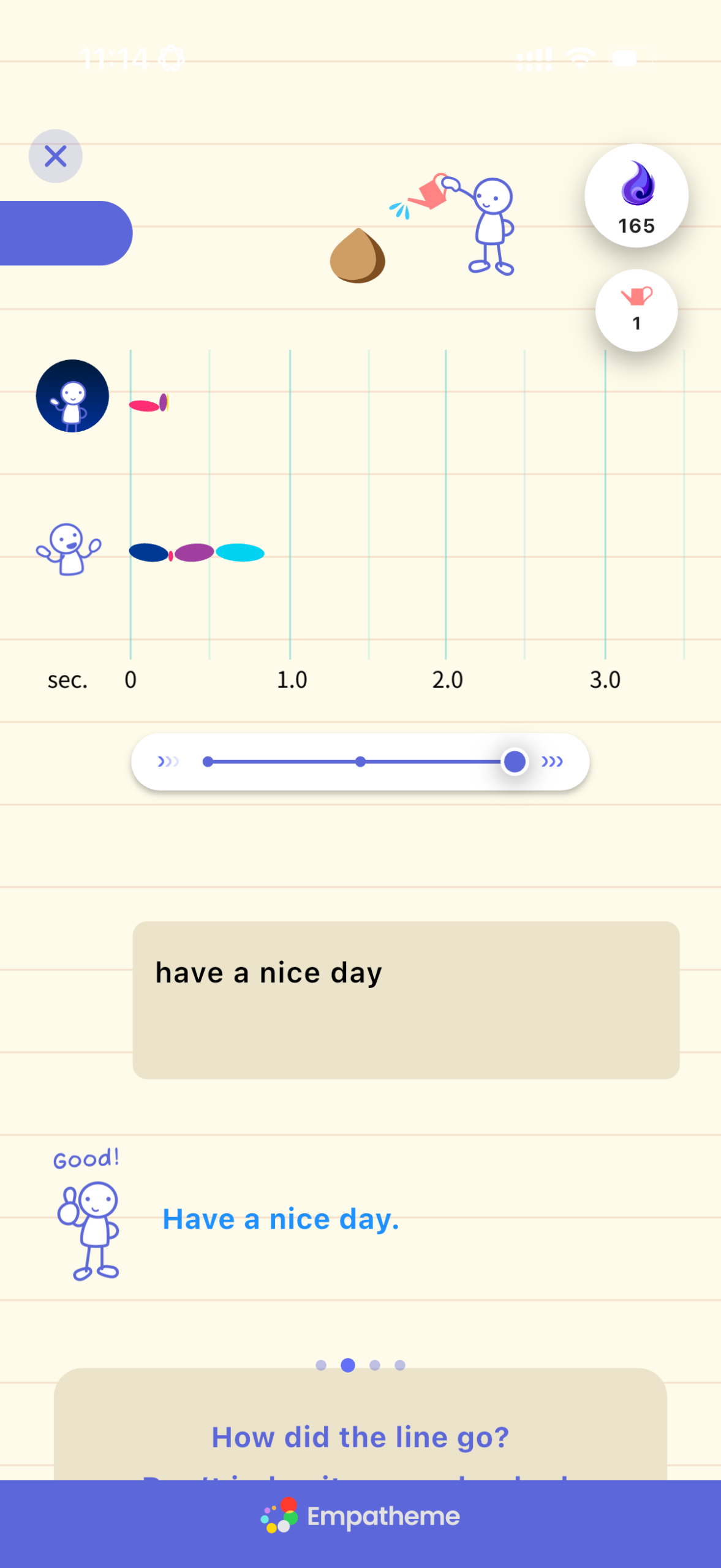
After watering, a Watering Pot appears beside your Seed.
❺ Leave an overall note
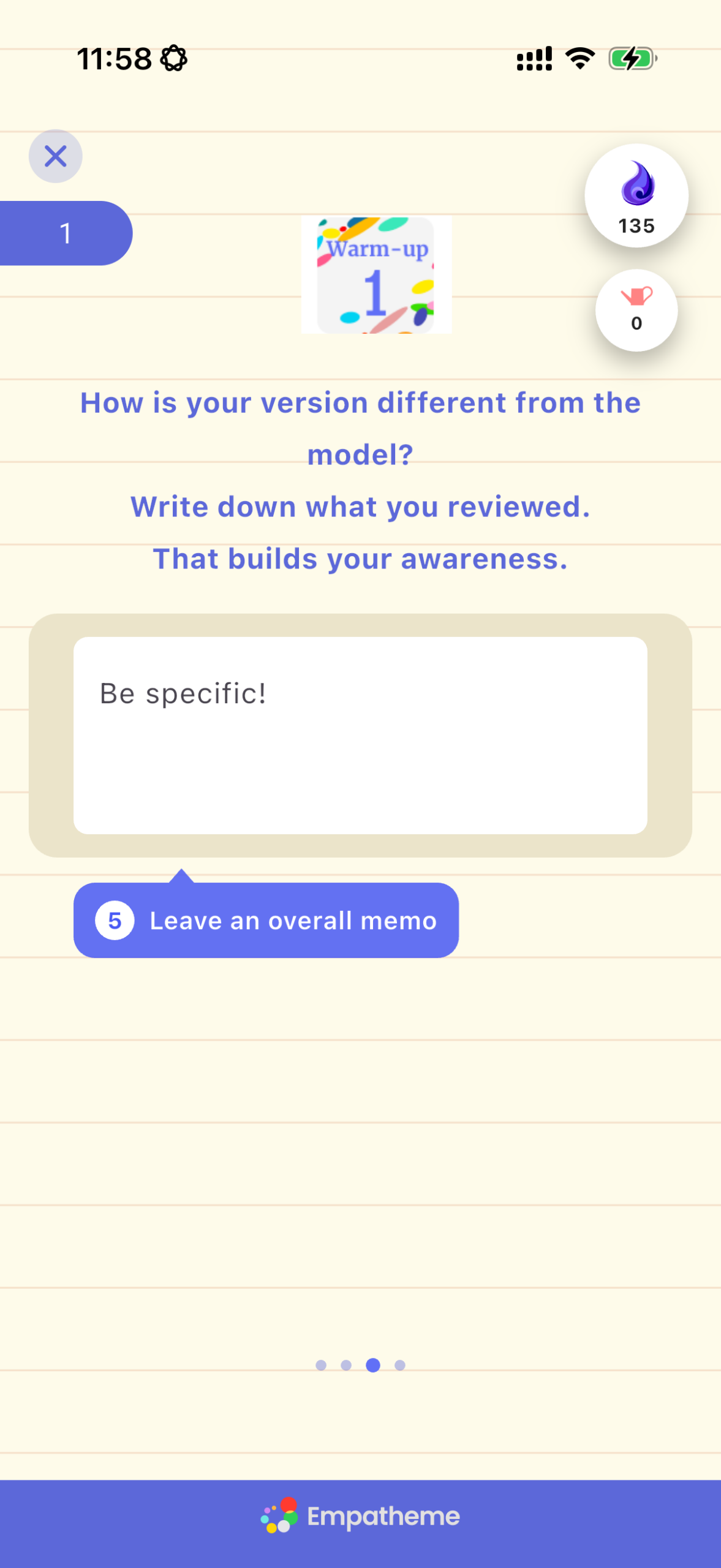
Finally, write one short note about what you noticed. A brief reflection helps you see your own progress and becomes part of your practice record.
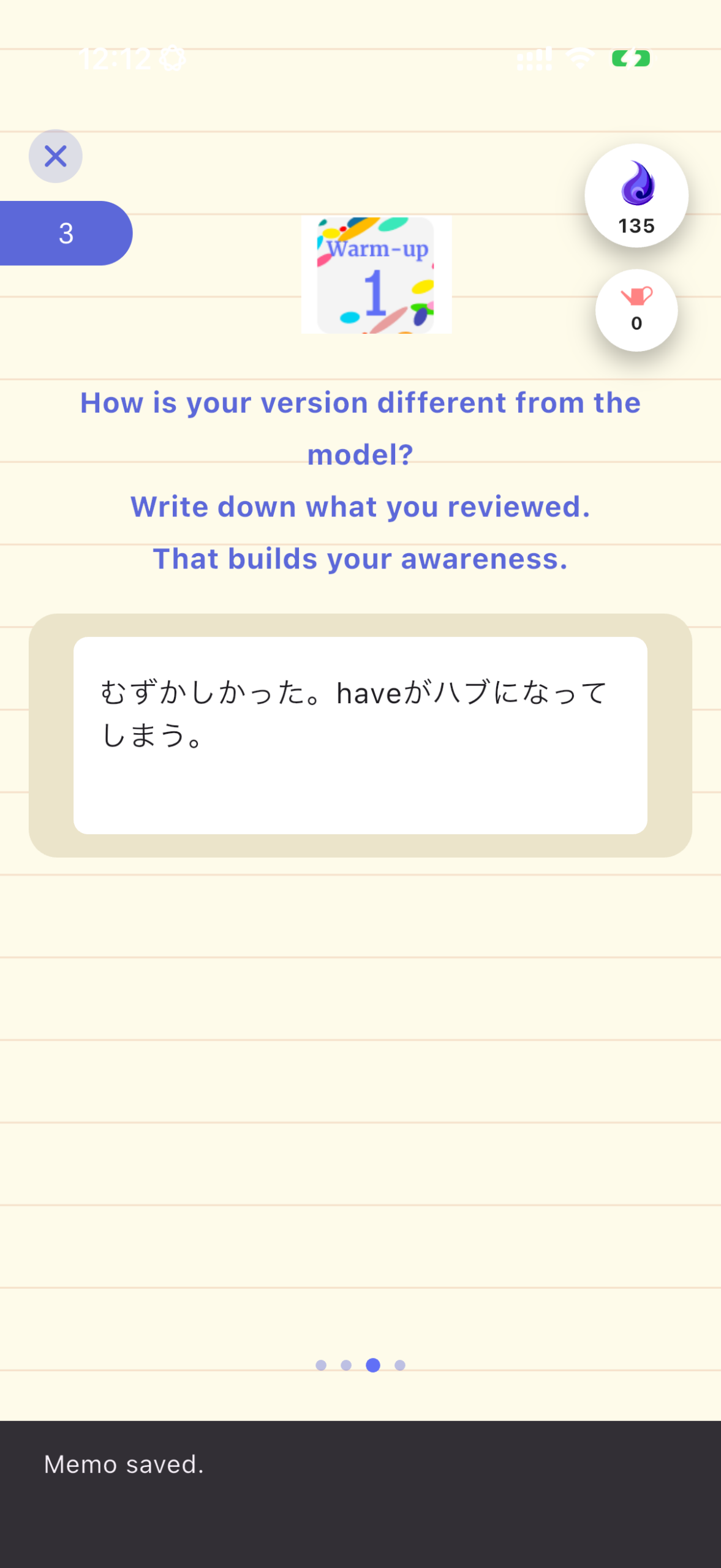
When you finish writing, swipe right to complete the practice.
❻ Tap to continue
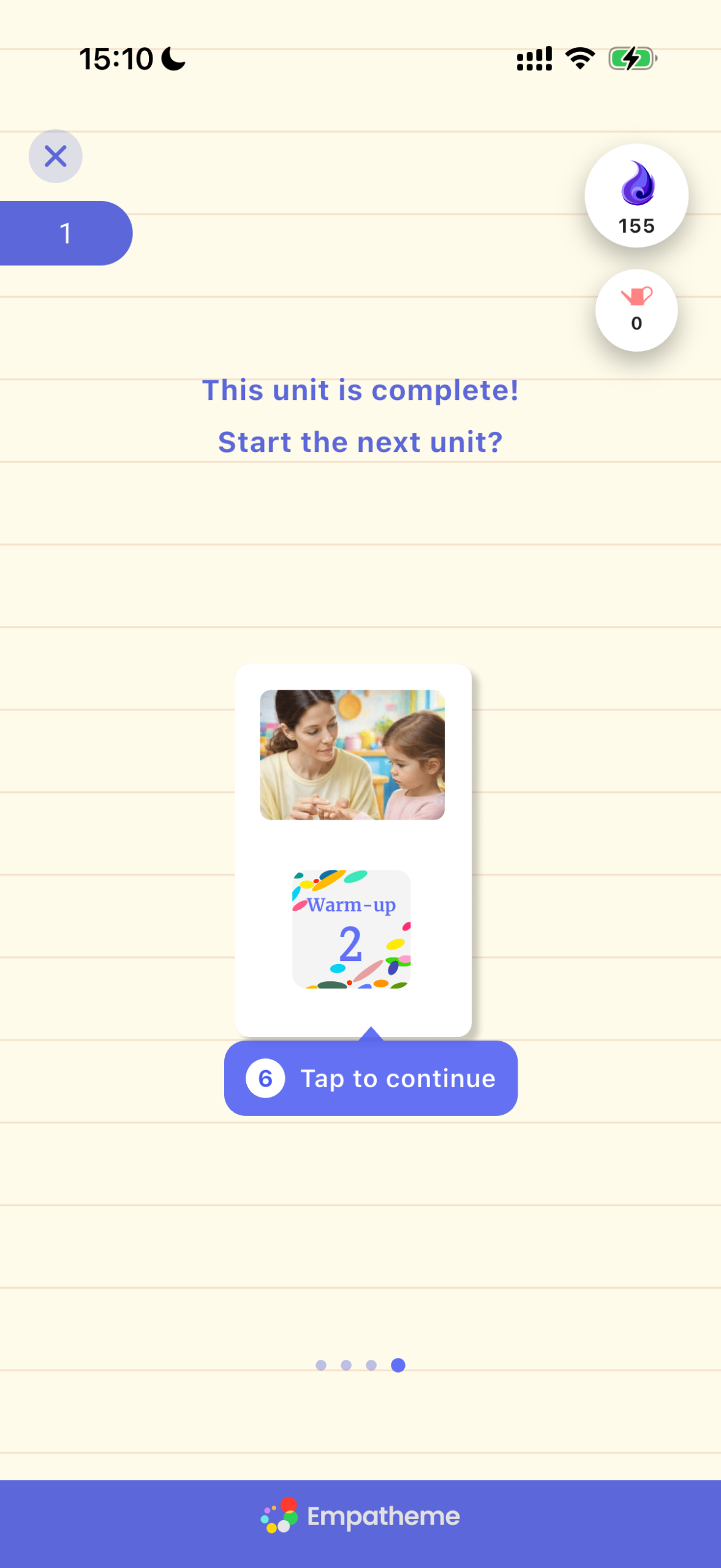
When this screen appears, the practice is complete.
To continue, tap the unit card.
2. Use Listen to Review the Sounds You Missed
Listening means reproducing sound in your brain.
Listen makes visible which sounds you caught—and which ones you missed.
Try it first with “Warm-up 02.”
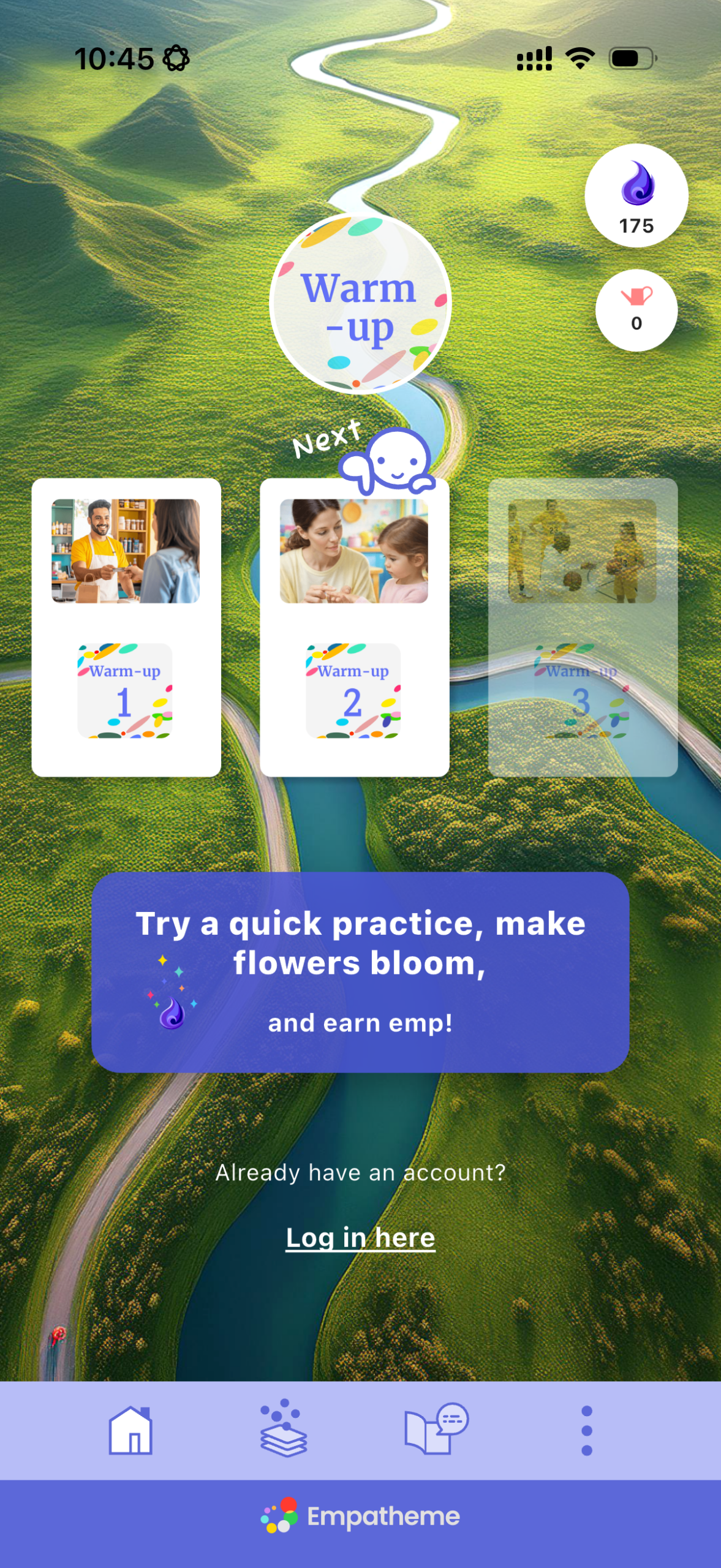
 Listen
❶ Tap
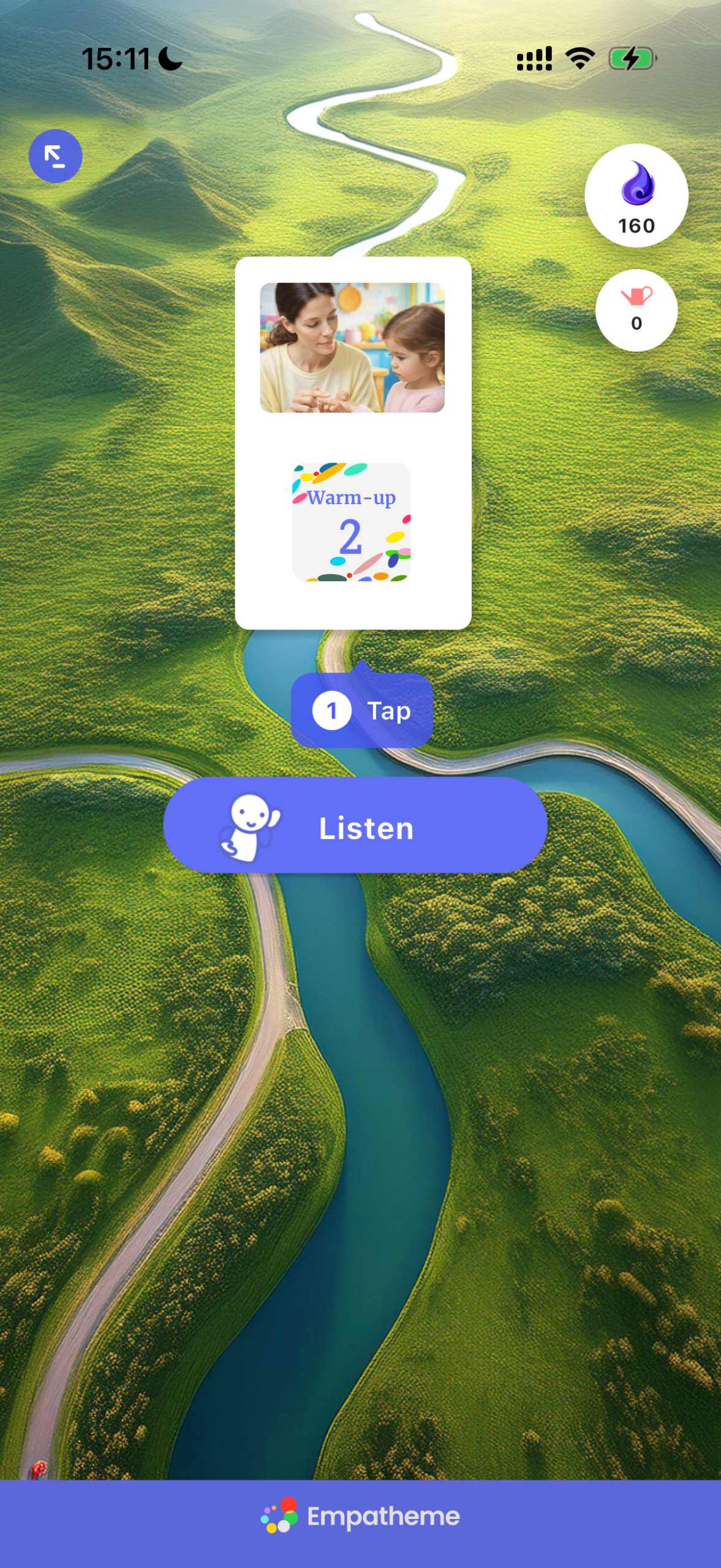
Tap the card icon to begin.
❷ Tap to listen
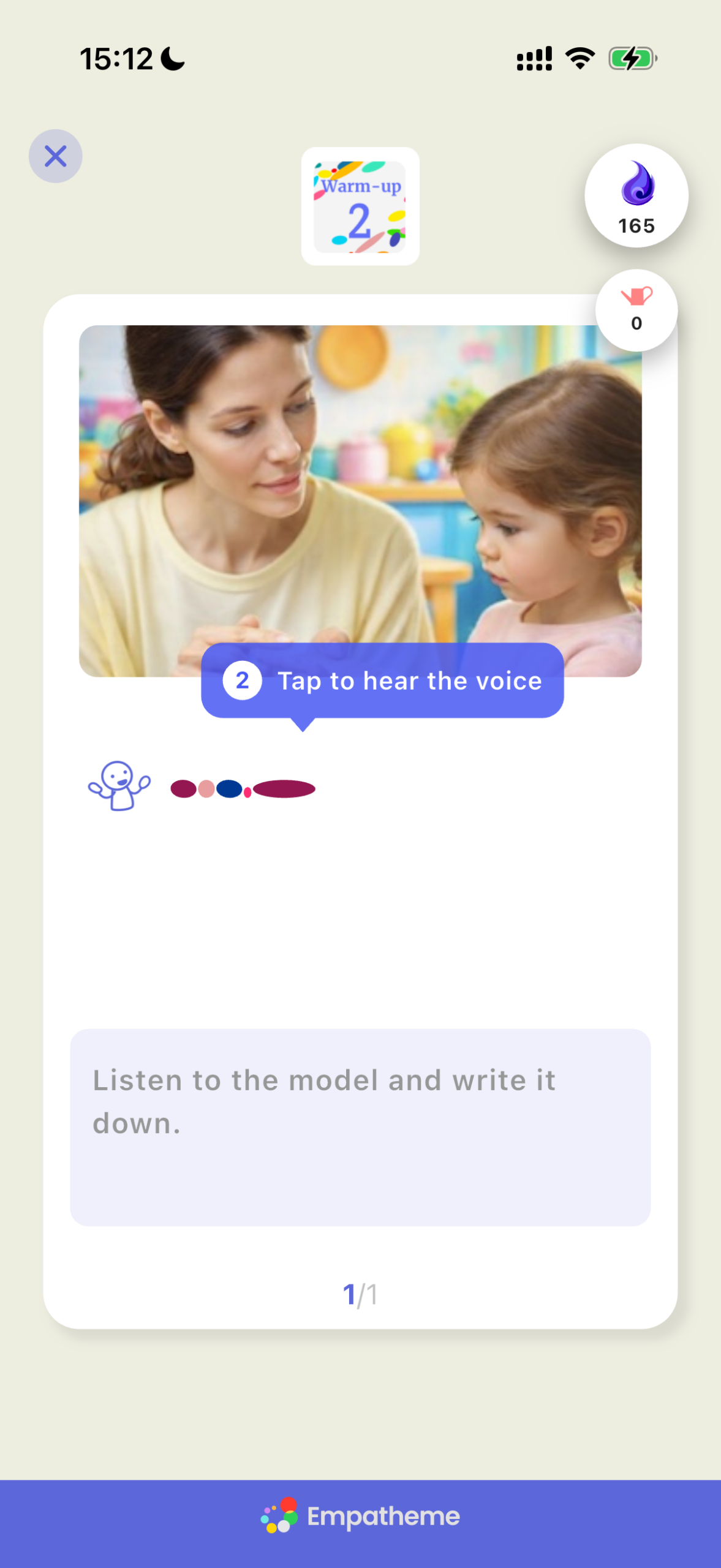
Tap the Rhythm Mirror—the pattern of colored dots.
Listen closely and catch what is being said.
❸ Write what you hear
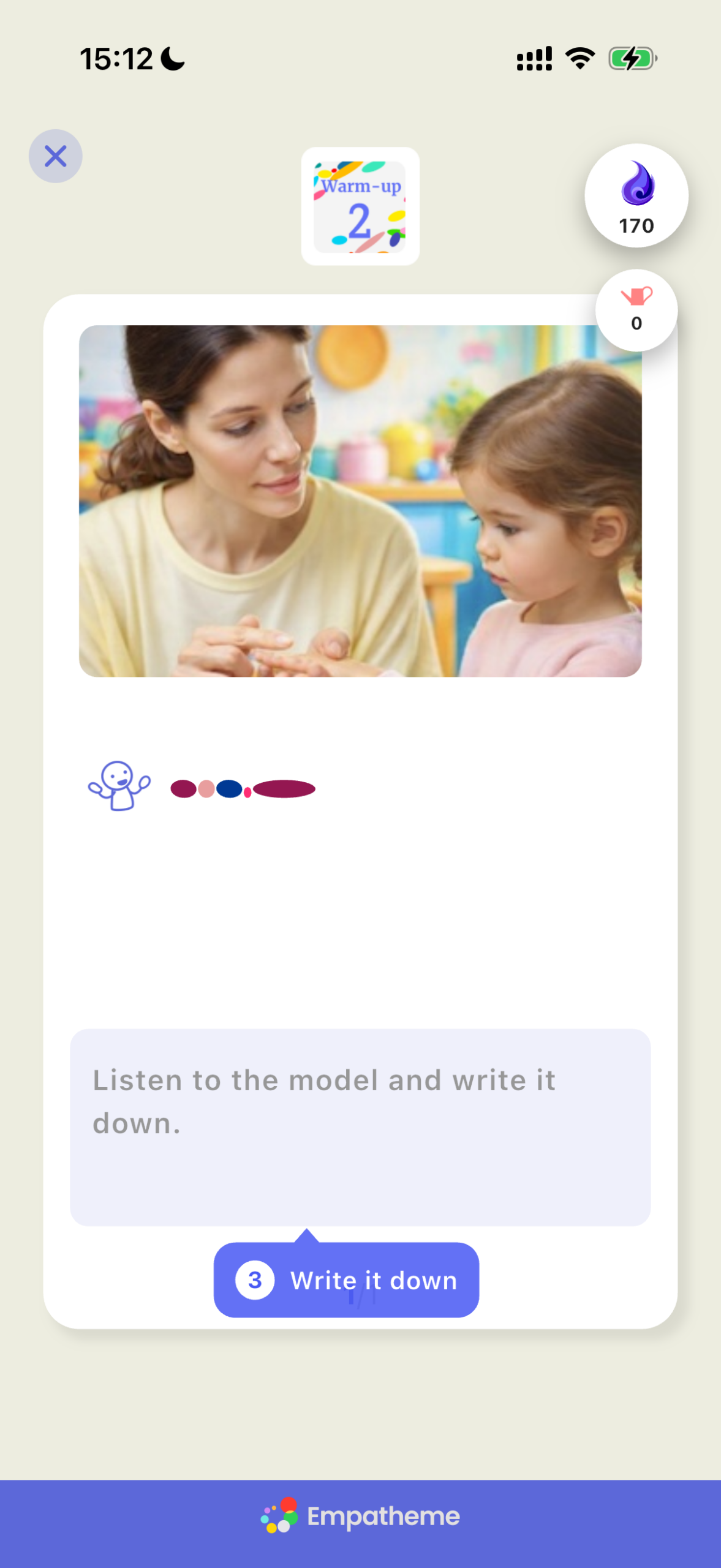
Type the words you hear.
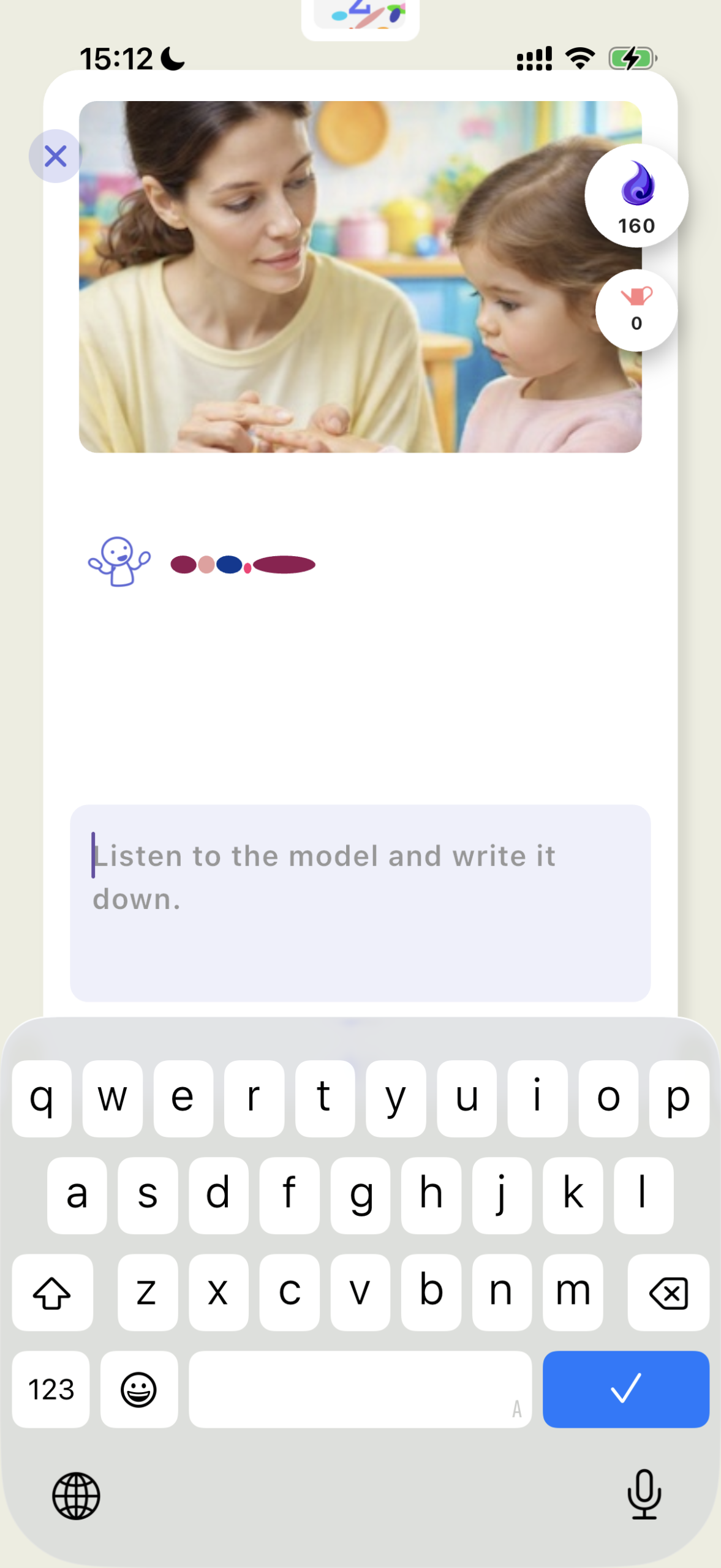
Voice input is recommended. If you miss something, tap the Rhythm Mirror and listen again.
If voice input does not work, see the FAQ.
❹ Swipe down ↓Next
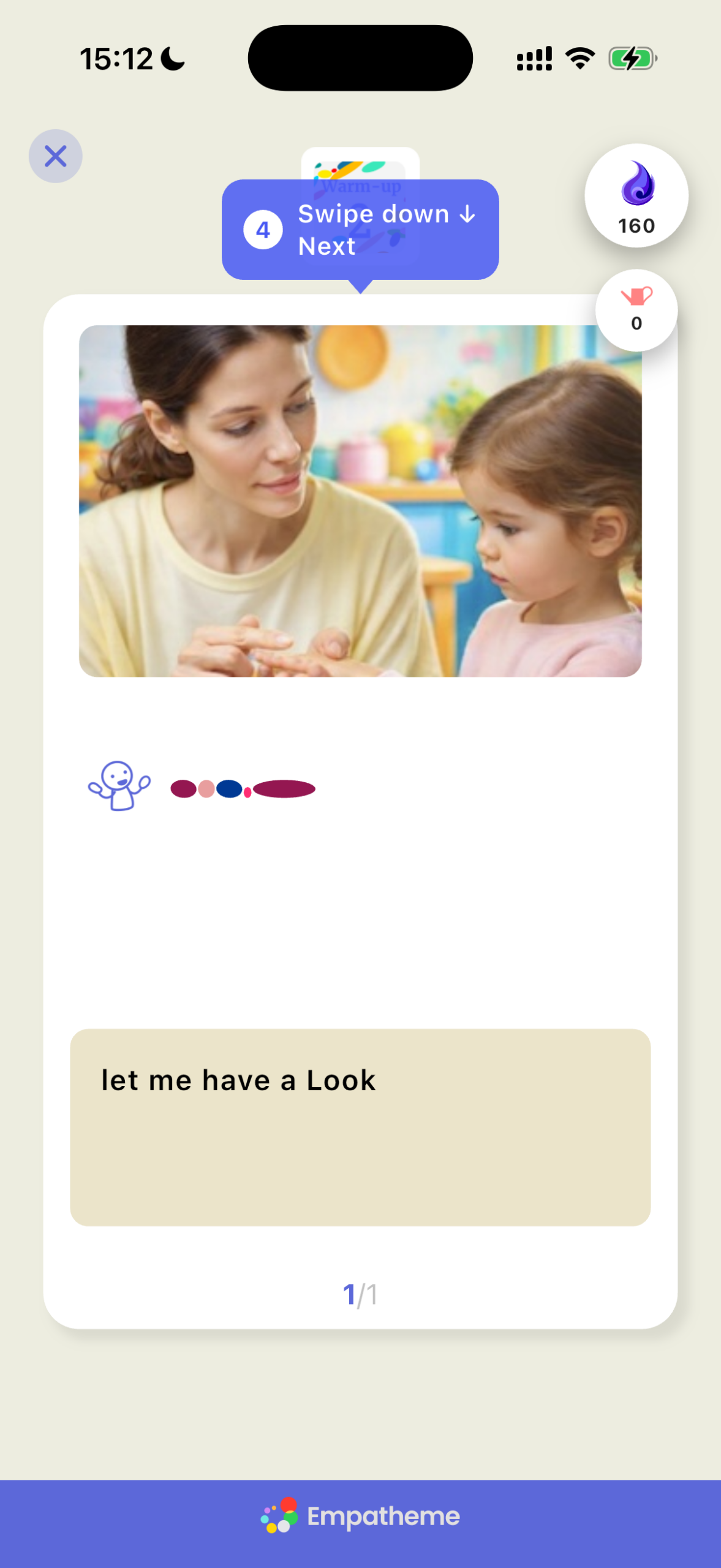
Swipe down to move to the next card.
After All Cards, Move to Review
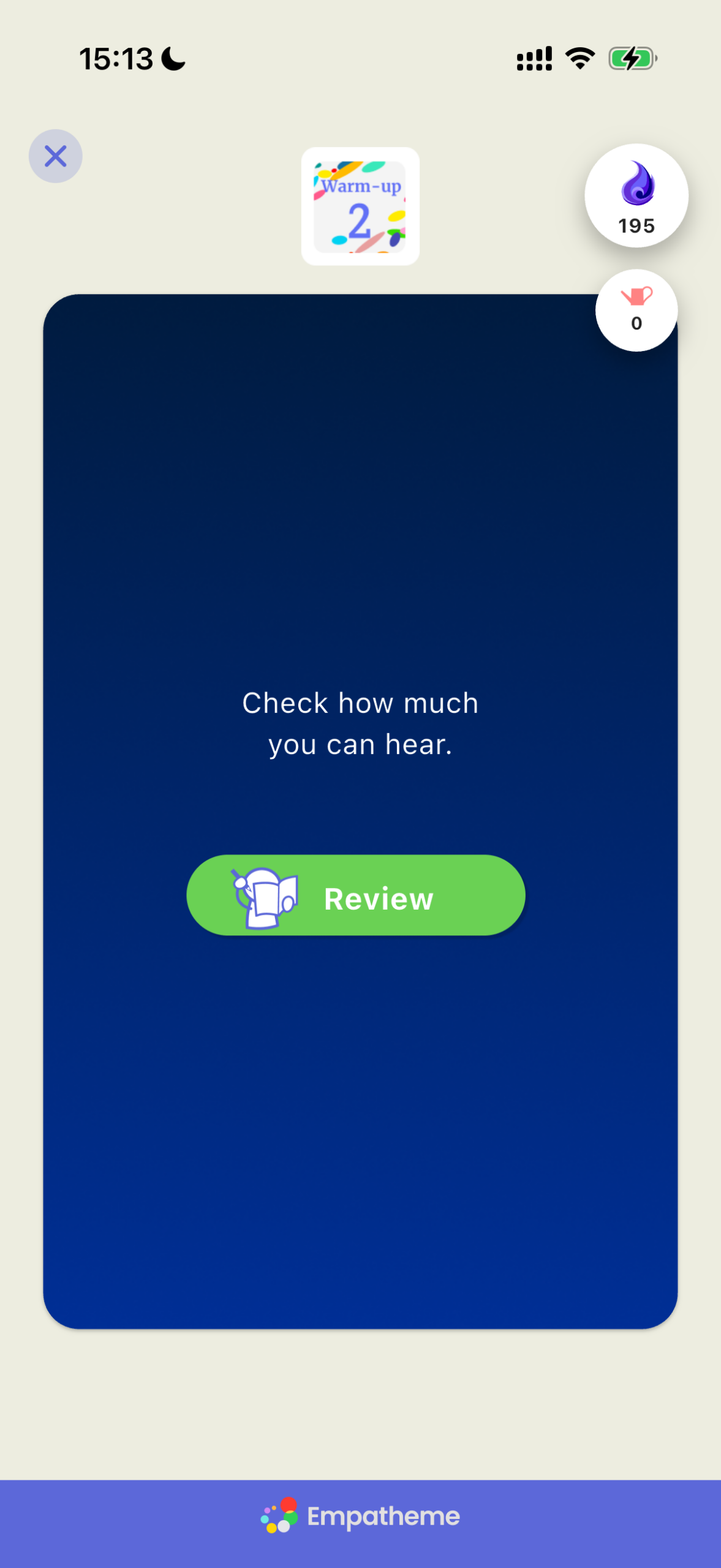
After entering all the cards, you will move to Review.
What Is Your Listening°? Review the Sounds You Missed
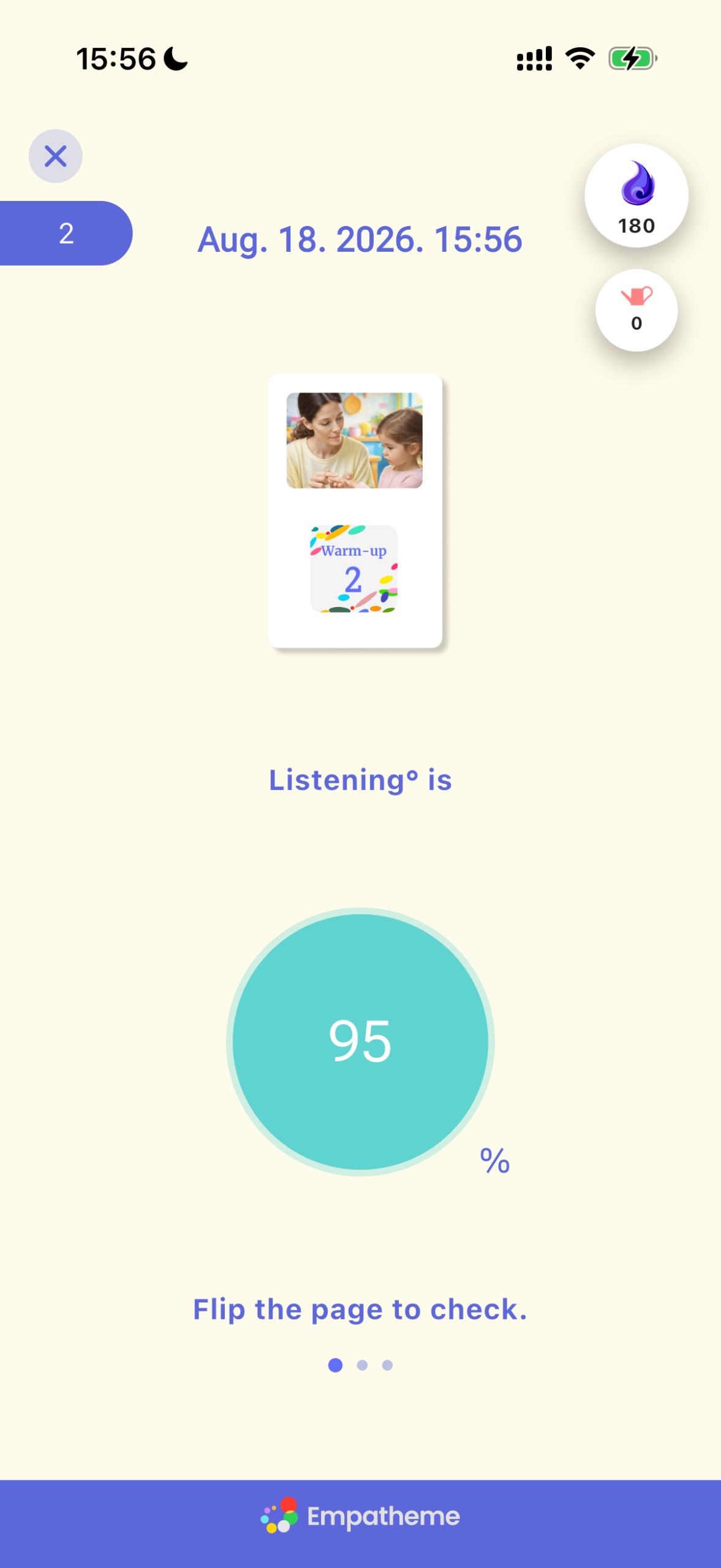
Your Listening° appears as a percentage. Swipe right through the pages to check the sounds you missed.
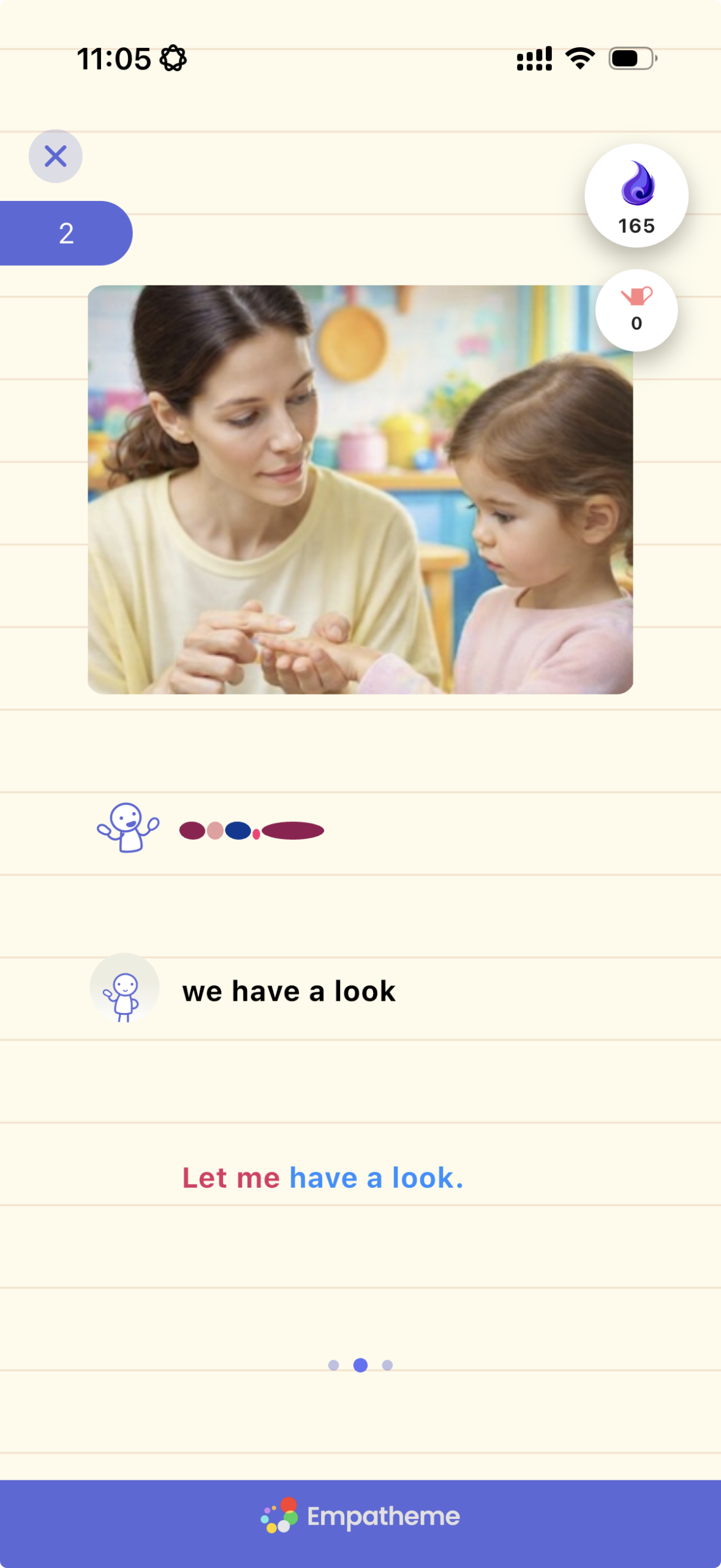
Red letters show the sounds you missed. Tap the Rhythm Mirror again, listen to the line, and replicate it. Replication helps the sounds take root in your brain.
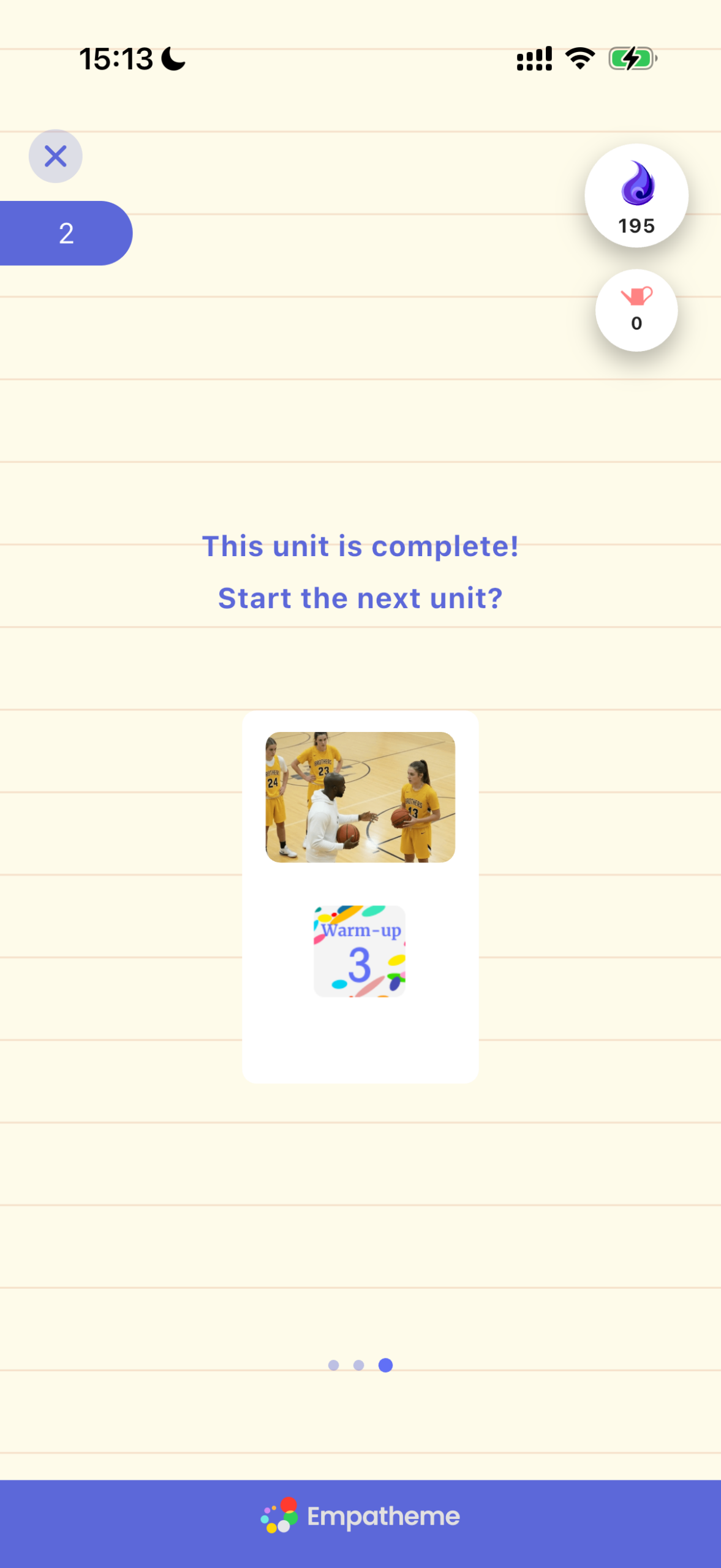
When this screen appears, the practice is complete. To continue, tap the next unit card.
If you have any questions during the practice, please check the FAQ.